Preparing your touchscreen kiosk content.
Planning a trade show, a congress or a launch? This checklist lists what to gather for your kiosk: goal, documents, visuals, questions and sign-off.
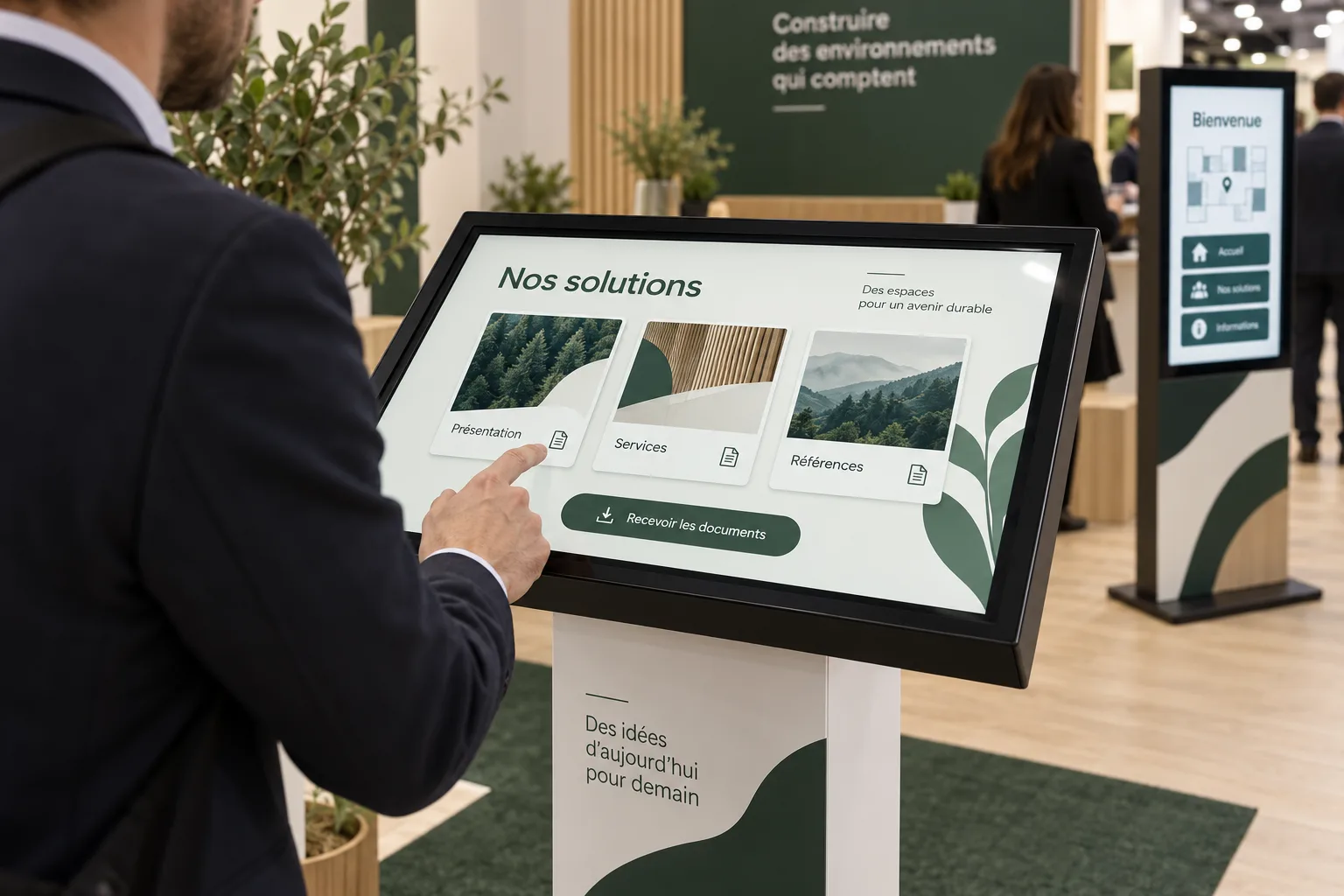
Start with what visitors should do.
The expected action determines the application. Pick the main goal of each station.
| Goal | The visitor | Applications |
|---|---|---|
| Showcase your offer | Reads a brochure, a product sheet or watches a video. | Brochure kiosk |
| Capture leads | Leaves contact details and says what interests them. | Lead formBrochure kiosk |
| Bring your event to life | Plays, answers questions or tries their luck. | Interactive quizPrize wheel |
| Welcome and guide | Finds a place, a time or a contact person. | Maps & wayfindingVisitor welcome |
| Measure satisfaction | Shares feedback in a few taps. | Feedback kiosk |
What to gather for your kiosk.
Six groups to review with your team.
Project framework
- Main goal and expected audience
- Venue, dates and public opening hours
- Number of stations and the role of each
- Required display languages
Your brand
- Logo in the best available quality, vector if possible
- Colours and brand guidelines, if you have them
- Photos and visuals you have the right to use
- Kiosk branding, if planned: artwork and format confirmed together
Content to explore
- Brochures, product sheets or catalogues as PDF files
- Short videos, if they support the journey
- Venue map, programme or list of services
- Preferred grouping: by range, topic or audience
Interactions
- Quiz questions and correct answers
- Form fields, required or optional
- Prizes, quantities and rules for a game
- Closing message and what happens next for the visitor
Collected data
- Only the information needed for the planned follow-up
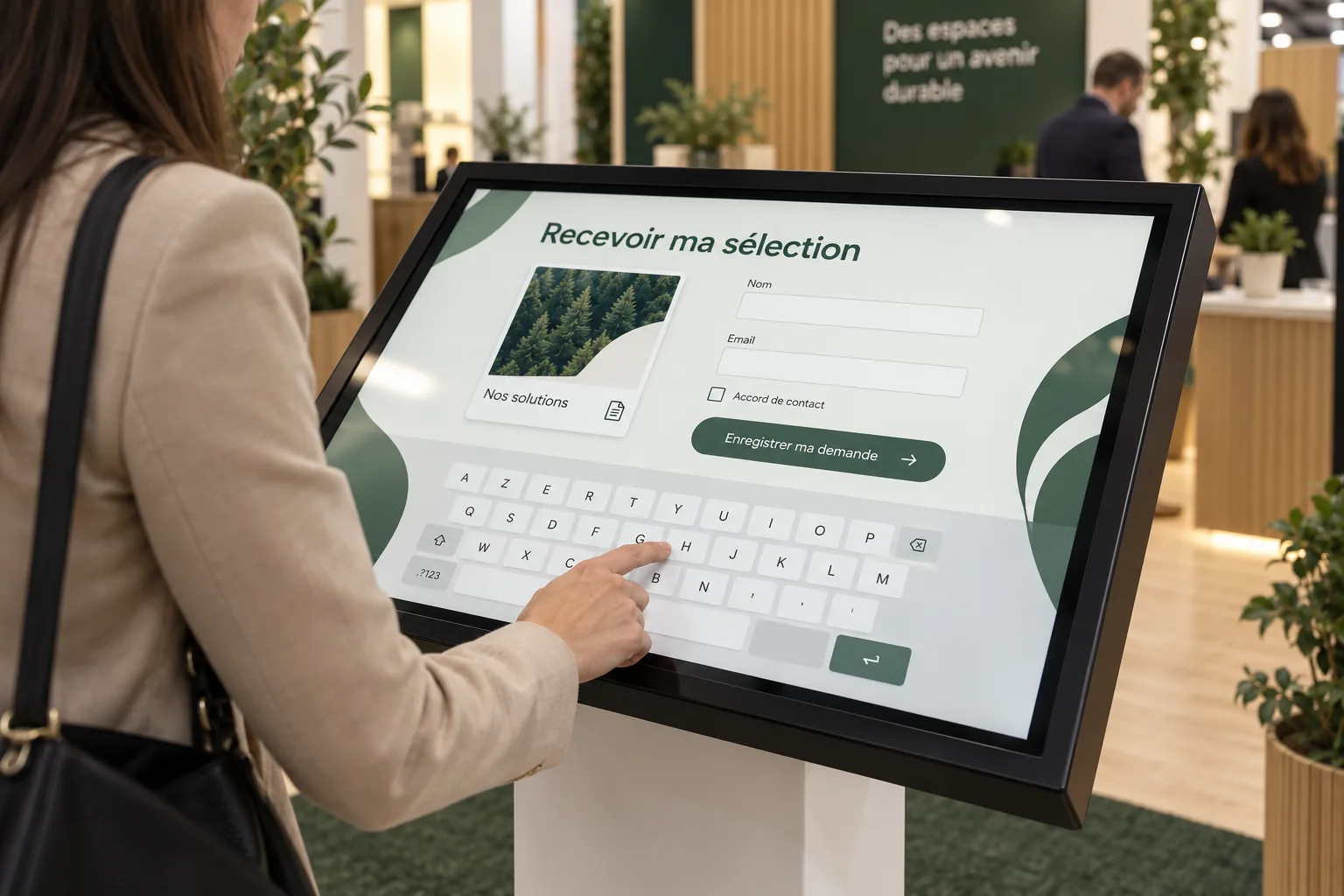
- Information text shown and consent requested
- File recipient and handover format, Excel or CSV
- Retention period decided by your organisation
Sign-off
- One person who reviews and approves the screens
- Final texts, with nothing left to confirm
- A full journey test before installation
- An on-site contact on installation day
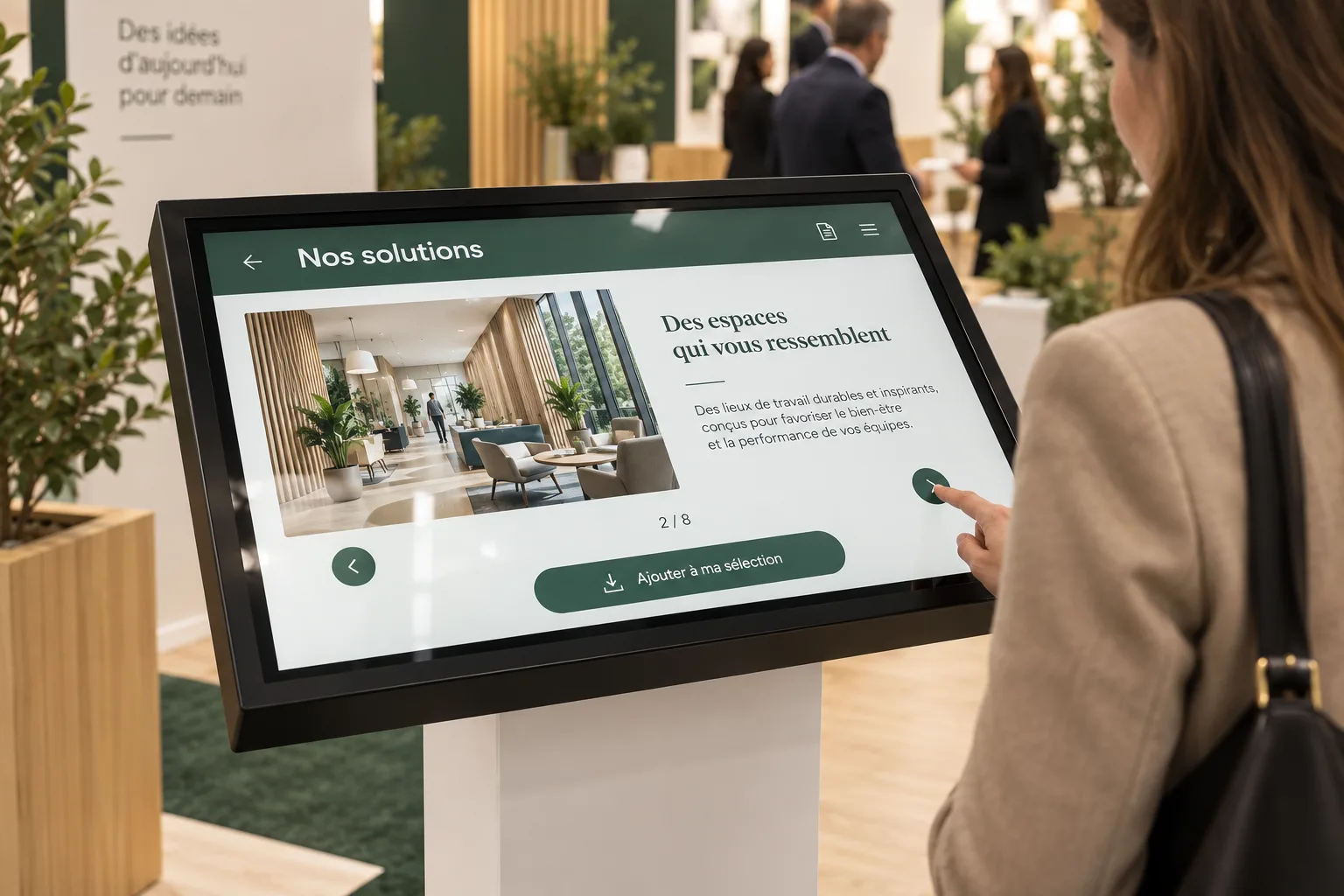
Adapting content for a touchscreen.
A visitor standing in front of a kiosk reads differently from someone at a desk. A few principles make the journey easier.
- One main action per screen: visitors should know what to touch within seconds.
- Short texts: a heading, a sentence, a button. Keep details in the document visitors can open.
- A few clear choices on the home screen. Group the rest by topic.
- Split long documents: one sheet per product is easier to read than a full catalogue.
- Sharp, high-resolution visuals. Avoid screenshots and text embedded in images.
- A clear way back to the start for the next visitor.
Informing visitors about their data.
In Morocco, Law 09-08 governs the processing of personal data, under the supervision of the CNDP. Before your event, agree with your legal team on the information requested, its purpose, the file recipient, the retention period and the text shown to visitors.
Ask only for what the planned follow-up requires. We integrate the information text and consent wording you approve into the journey.
This guide is not legal advice.
From brief to installation.
Lead time depends on the amount of content, the application and approvals. We specify it in your quote.
Brief
Goal, venue, dates and number of stations.
Materials
You share documents, visuals and questions. We tell you what is still missing.
Preparation
We organise the screens and integrate your content into the agreed application.
Review
You check texts, navigation and data collection. Corrections are made before final approval.
Installation
The approved journey is checked on site with your contact.
Before you send your files.
Practical answers about content, formats and updates.
We only have a PDF brochure. Is that enough?
It is a good starting point. We look together at what visitors should find, how to split the document and whether a form or a selection of sheets would help. Any writing needs are specified in the quote.
Which file formats should we send?
Send your original files in the best available quality: vector logo if possible, high-resolution photos, PDF documents. We tell you if anything needs adapting before preparation.
Does TouchTech write the content?
We help you select, organise and integrate your content. Copywriting, translation or custom visuals are not included by default; if you need them, they are defined in the quote.
Can content be changed during the rental?
Plan an approved version before installation. For a rental lasting several weeks or months, list the expected updates in your enquiry: their frequency and arrangements are set in the quote.
Do we need everything ready before contacting you?
No. A goal, a venue and dates are enough to start. This checklist then helps identify what is left to prepare, without a compulsory questionnaire.
Content ready, or almost?
A first message is enough. We’ll come back to you with a proposal.