Welcome and guide your visitors
A welcome kiosk answers practical visitor questions; an interactive map helps locate a destination. TouchTech prepares equipment and content for events in Morocco, considering access, languages and circulation.
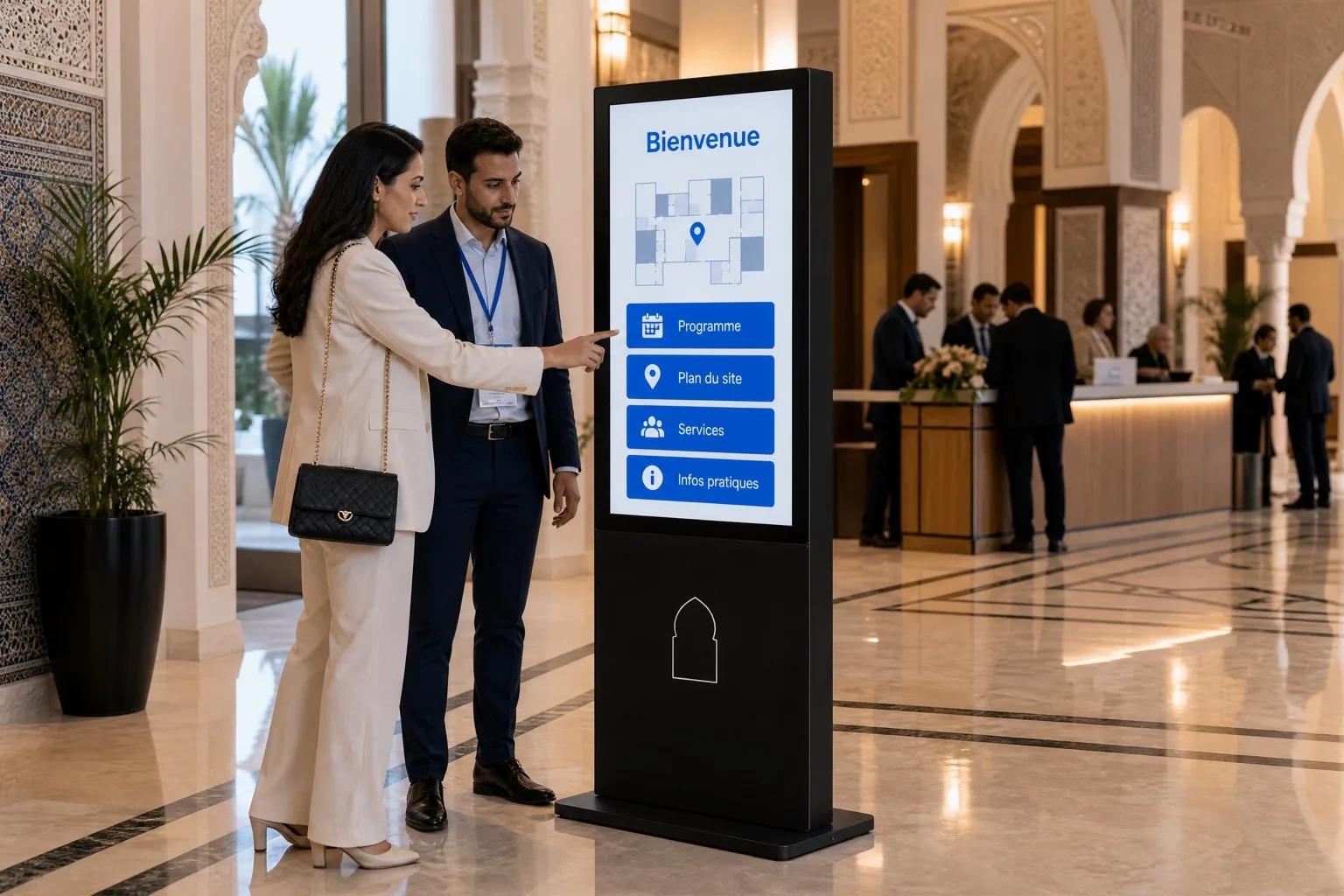
Applications for this need.
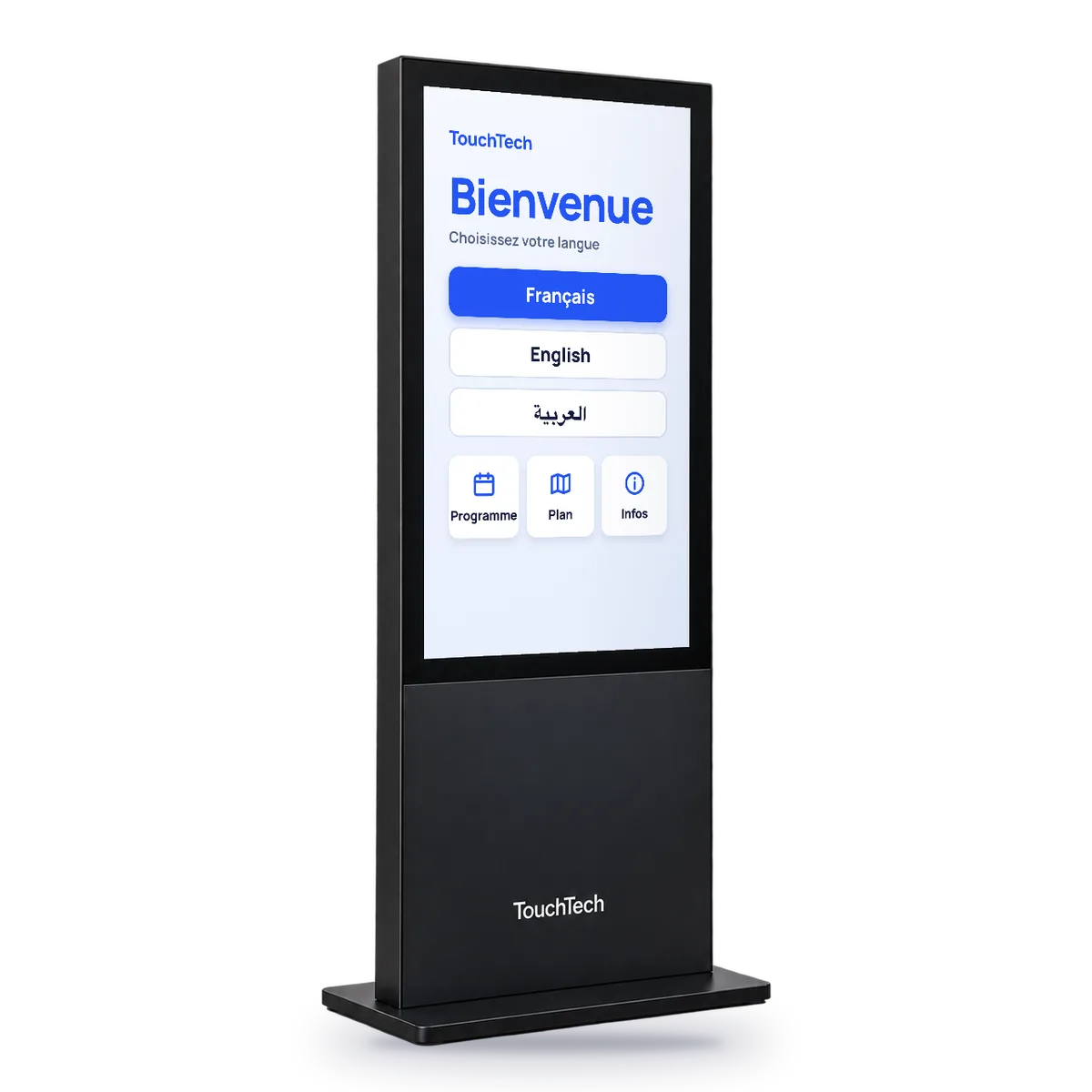
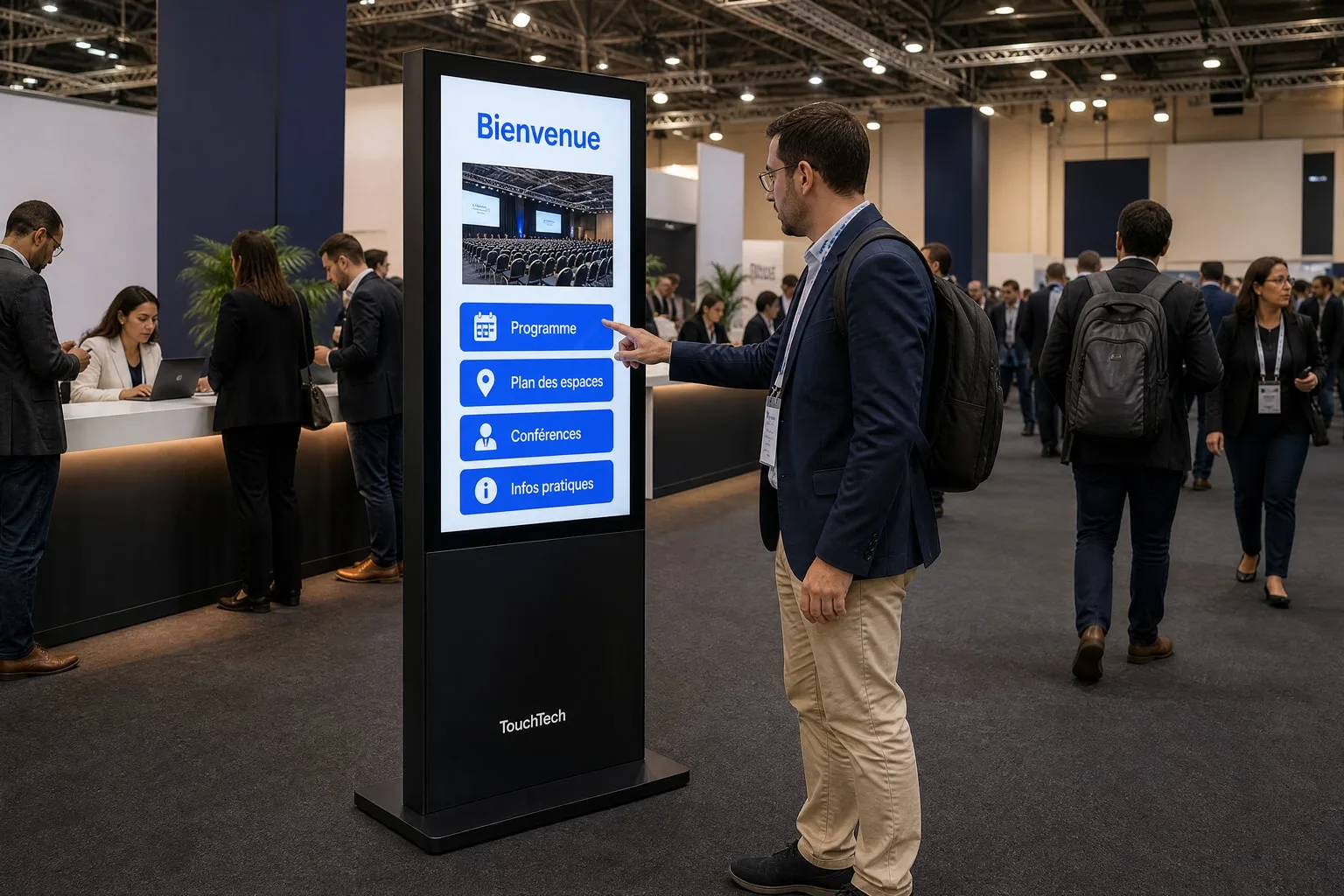
TouchWelcome
Share useful information and help visitors get their bearings.
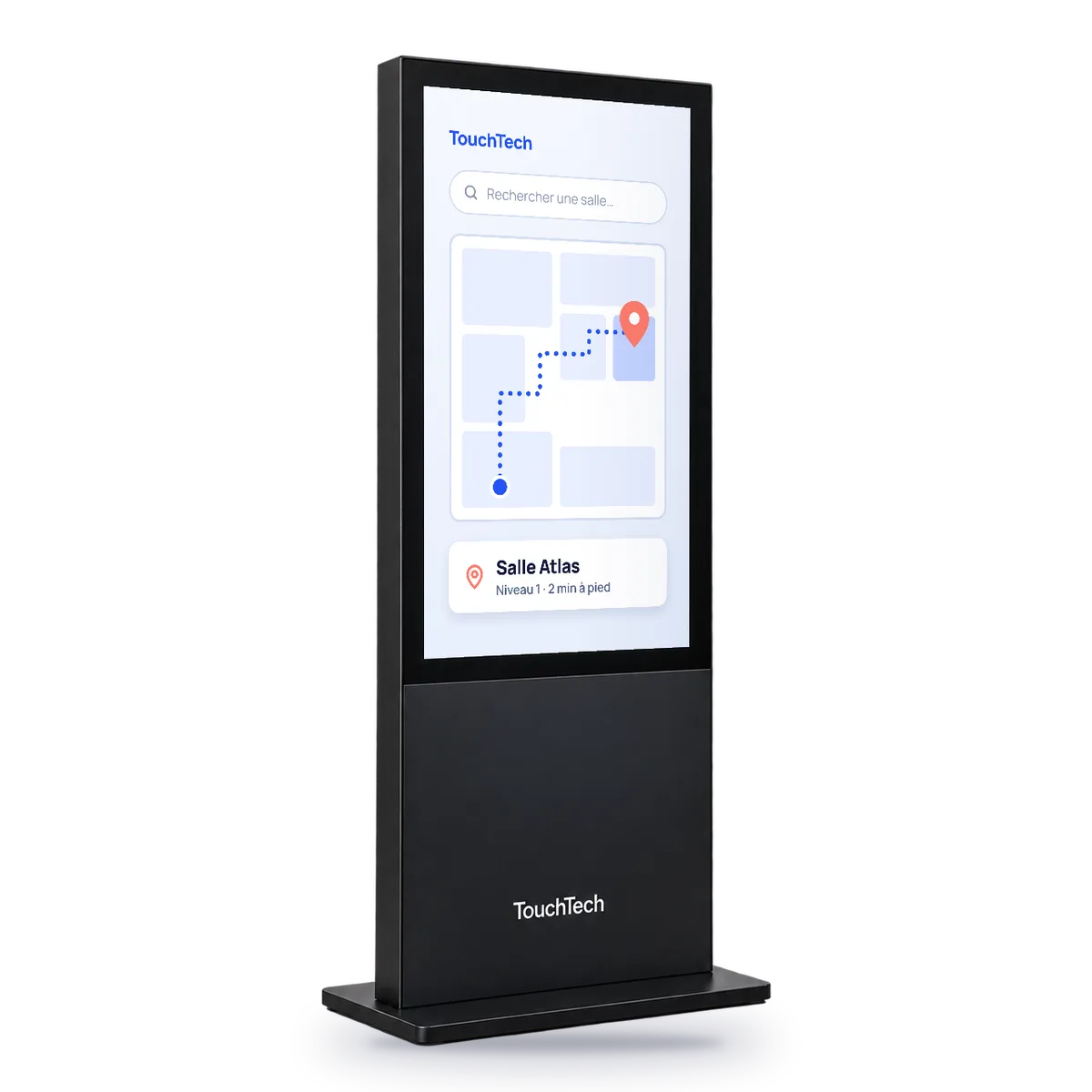
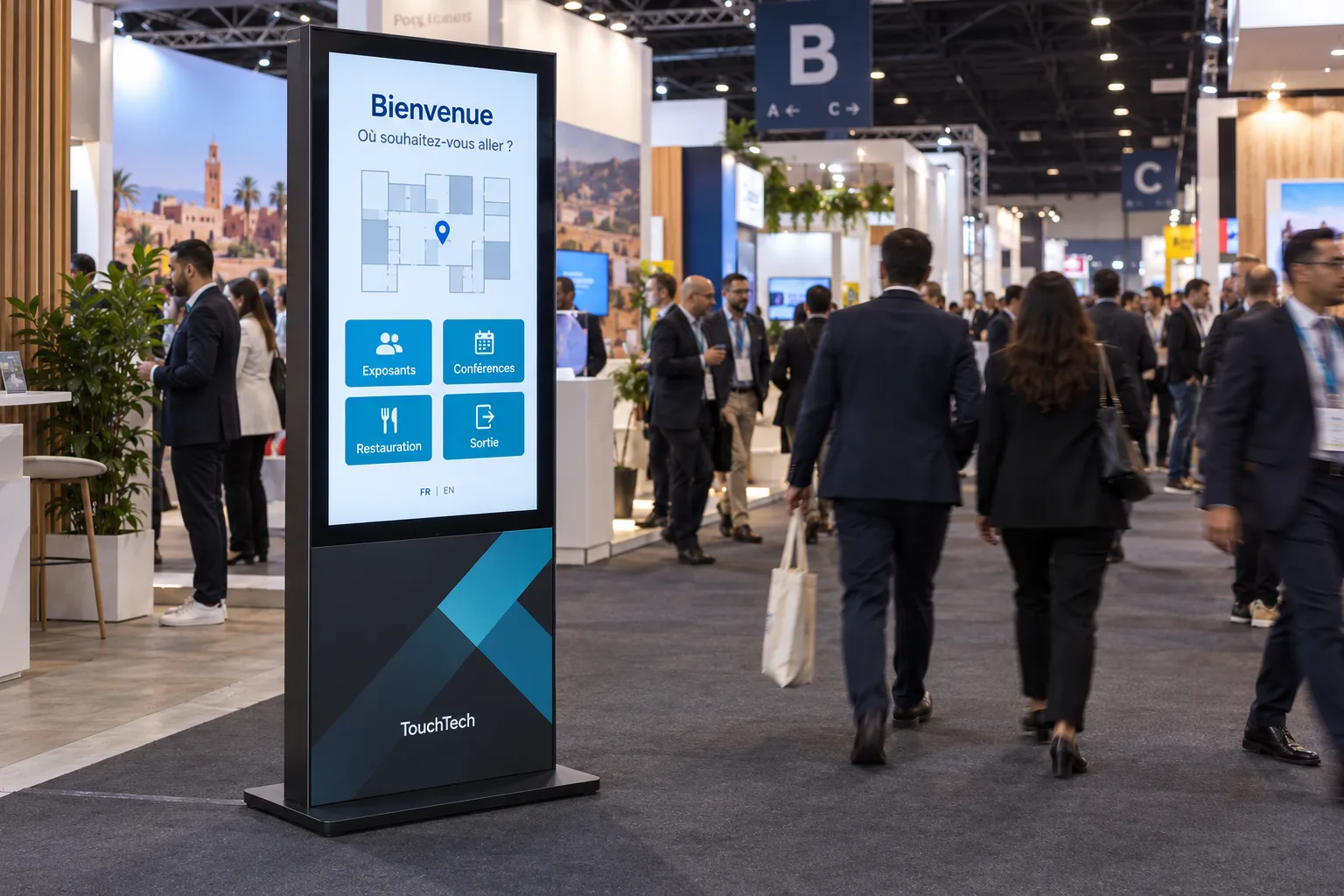
TouchMap
Help visitors locate an exhibitor, service or room on an interactive map.
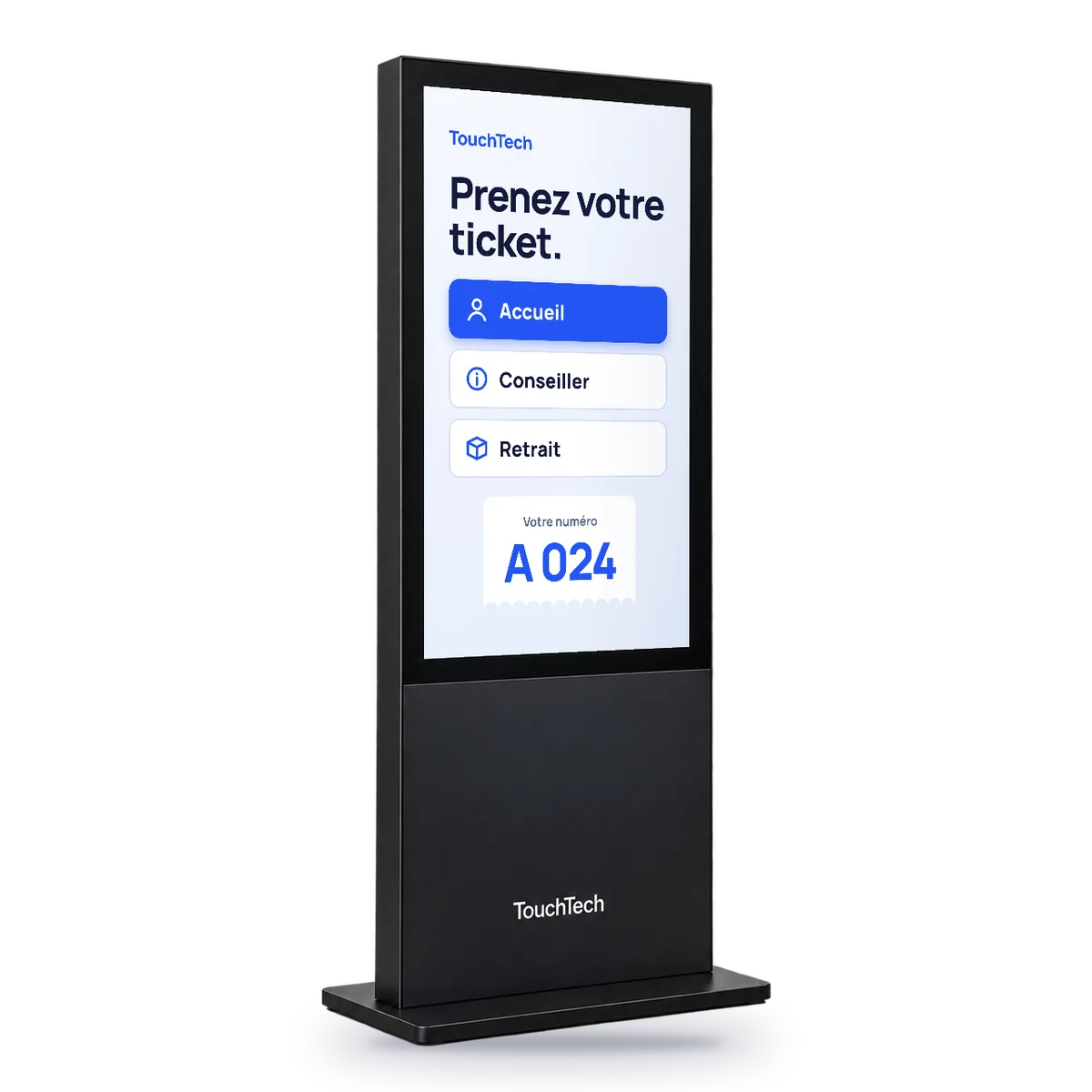
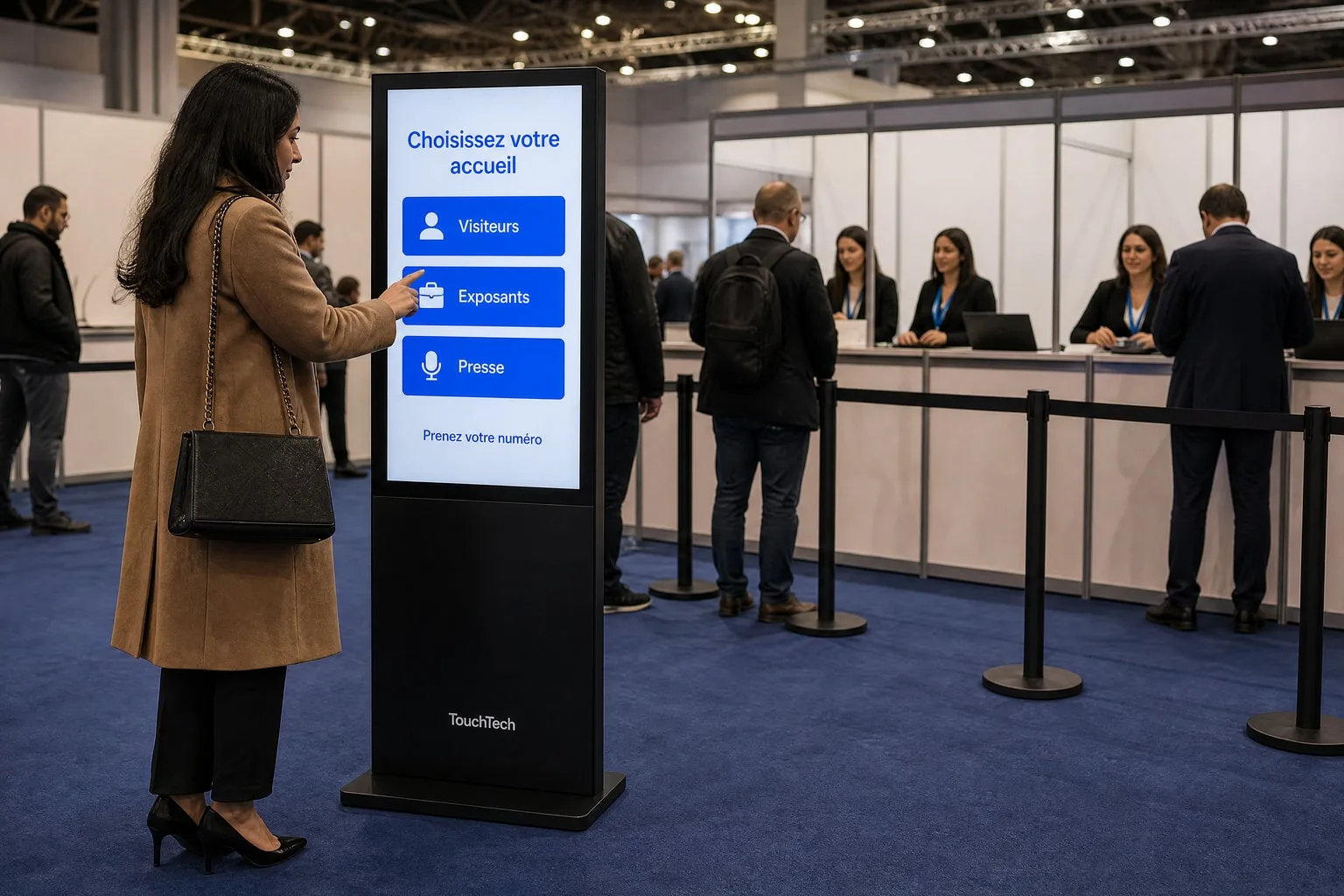
TouchQueue
Direct visitors to the right service and organize their turn.
Compare these applications
| Application | The visitor | What it highlights | What you provide |
|---|---|---|---|
| TouchWelcome · Visitor welcome | Browses the programme and practical information. | Useful information on arrival. | Current programme, sections and languages. |
| TouchMap · Maps & wayfinding | Looks up an exhibitor, service or room on the map. | Your venue map. | Final map and list of spaces. |
| TouchQueue · Queue management | Selects the service they need. | How visitors are routed. | Services, desks and the calling process. |
Where it fits.
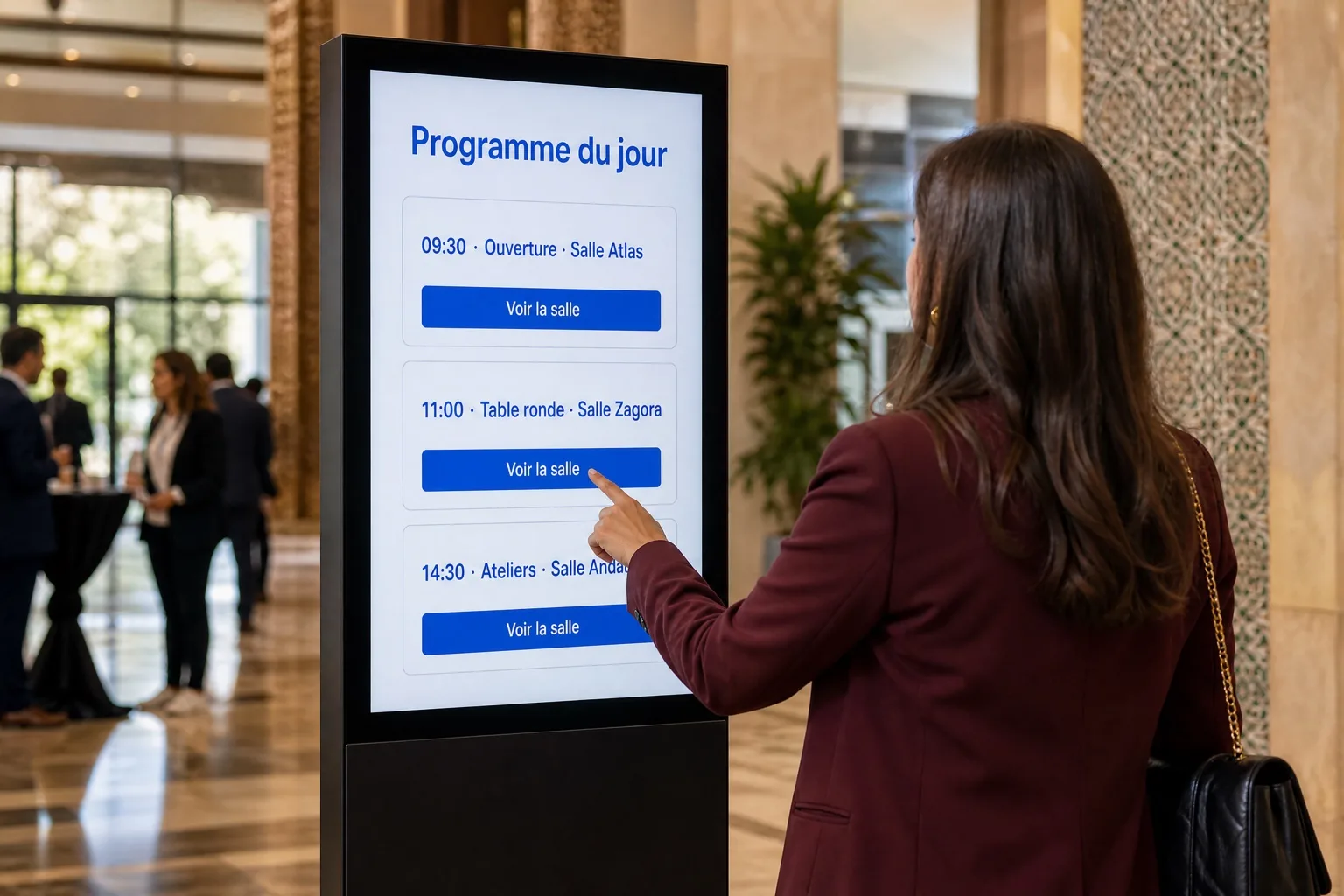
Conference: make the programme and rooms easy to find.
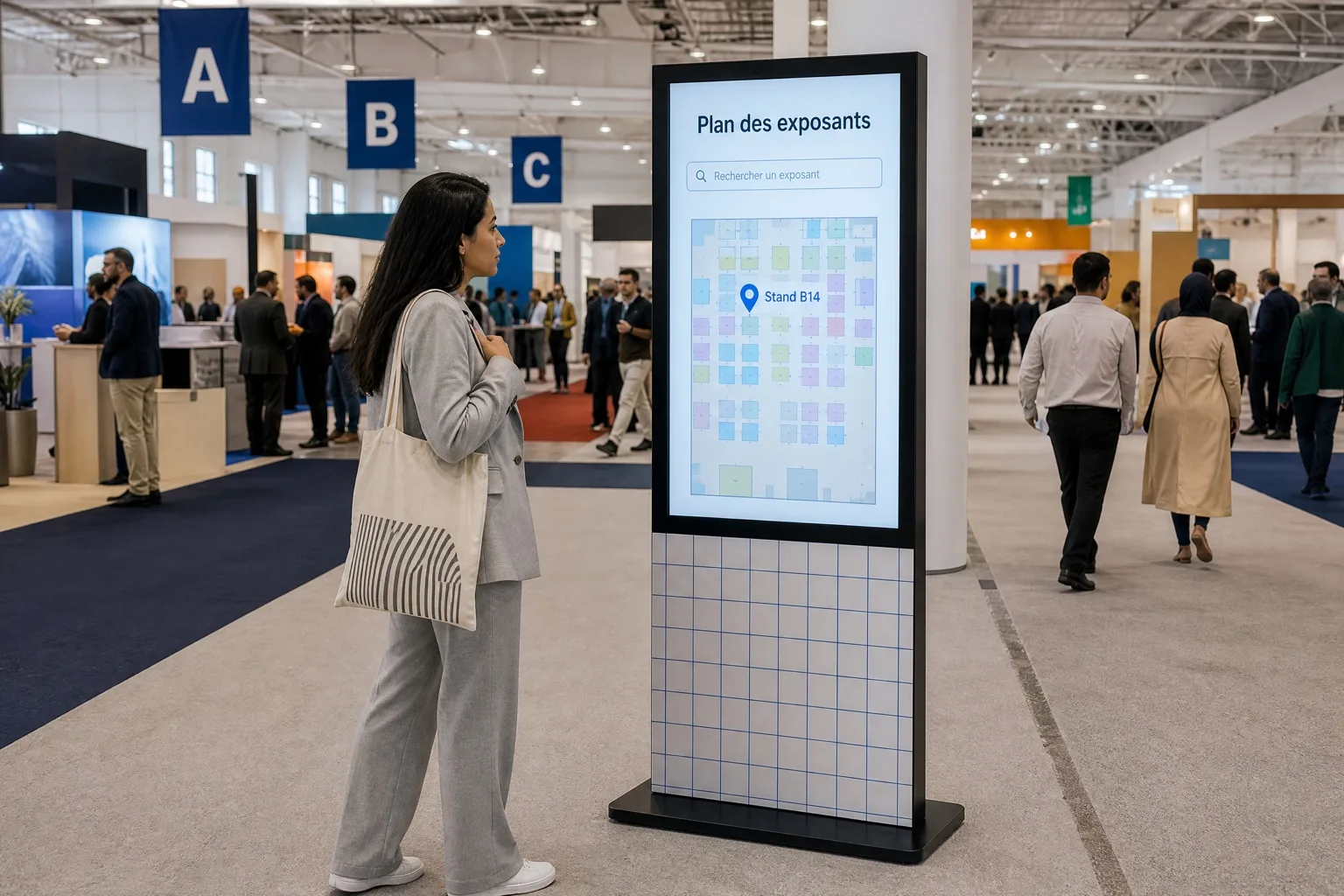
Exhibition: locate exhibitors on the venue map.
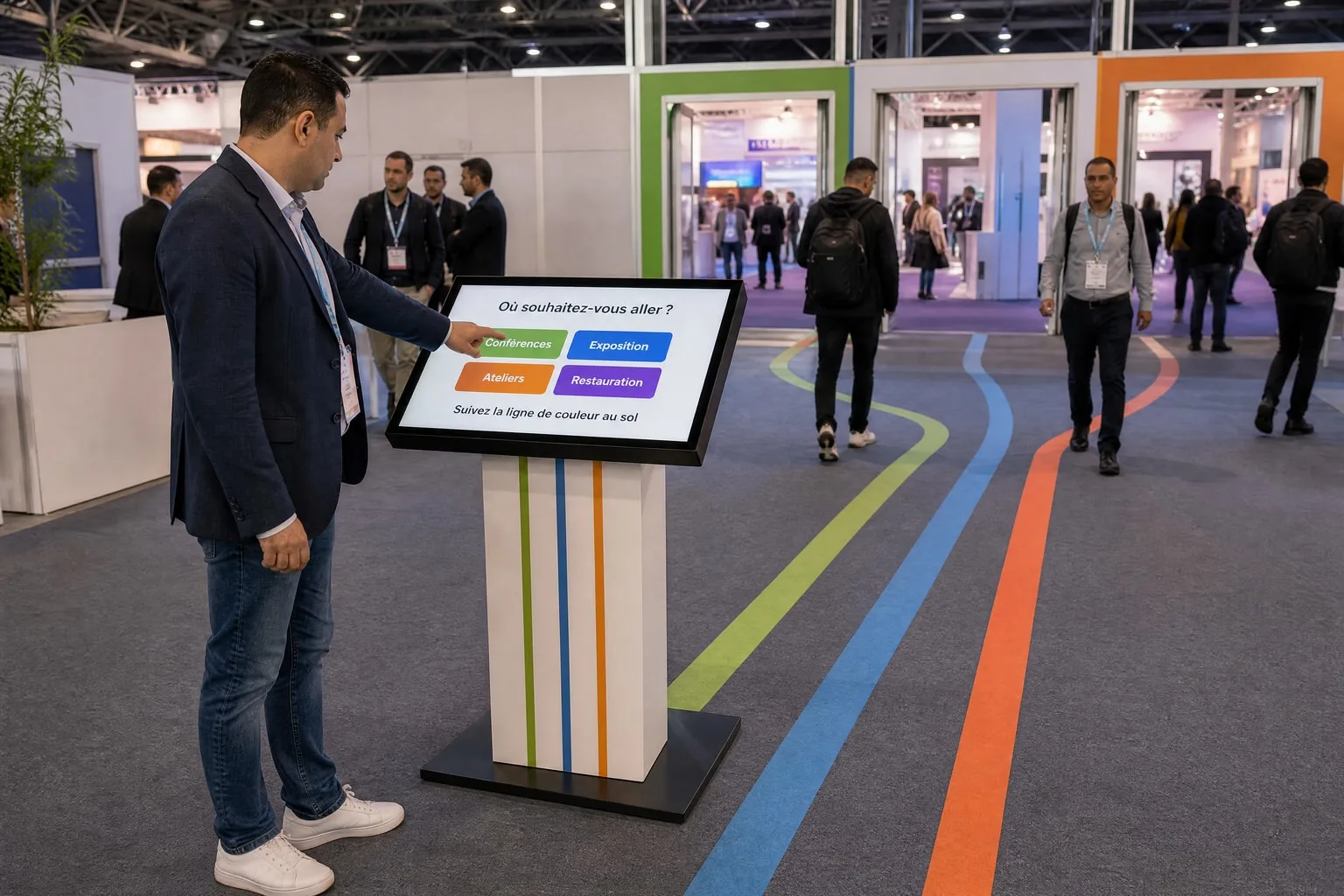
A trade-fair entrance: choose a destination and follow the right route.
For your brief
- The questions your welcome team hears most often.
- Current documents, maps and information.
- Languages and access needs of your visitors.
Before you get started.
From 2,000 MAD excl. VAT per day for each kiosk or totem, depending on model and setup.
Should we use a kiosk or totem for wayfinding?
A totem provides a vertical landmark, while a compact format can sit alongside a welcome desk. The choice depends on position, map readability and screen access.
Can a programme and map share the same screen?
Describe the content you want to combine. We assess navigation and configuration so visitors can reach each piece of information easily; the journey’s scope is defined in the quote.
Where should a welcome or wayfinding kiosk go?
Place the kiosk where visitors look for information: fair entrance, congress foyer or near a welcome desk. Leave room to move in front of the screen and provide a power socket; an outdoor or exposed location must be assessed before rental.
Can welcome content change during a long installation?
Yes. Mention the expected updates in your enquiry, such as a changing programme or new services. The frequency and terms of changes are set in the quote.
A kiosk. A team. Your project.
A first message is enough. We’ll come back to you with a proposal.