Your kiosk rental questions.
Rates, equipment, delivery, content and data: the answers to prepare your touchscreen kiosk rental in Morocco.
Rates and booking
Rates, rental period and requesting a quote.
How much does it cost to rent a touchscreen kiosk or totem?
Rates start from 2,000 MAD excl. VAT per day for each kiosk or totem, depending on the model and setup. The daily rate decreases from 3 rental days. Integrating your content into one of our applications is included. In Casablanca, delivery, installation, collection and technical support are also included. Your quote confirms the amount for your dates.
What affects the price of a kiosk rental?
The price of a kiosk rental depends on the model and its setup, the number of days, with a lower daily rate from 3 days, and the number of units. Depending on the project, the quote may add transport outside Casablanca, physical branding, content creation, custom development or a technician on site throughout.
Request a quoteAre TouchTech rates shown excluding VAT?
Yes. TouchTech public rates are shown excluding VAT, per day for each kiosk or totem. VAT is added at the applicable rate and shown on your quote.
Can I rent a touchscreen kiosk for a single day?
Yes. The TouchTech rental rate is daily and applies per day for each kiosk or totem. From 3 rental days the daily rate decreases; your quote gives the amount for your dates.
Can I rent for several weeks or months?
Yes. We offer rental for events, campaigns and long-term installations. Equipment, support and pricing are set in the quote for how you will use them.
Buy rather than rentCan I rent several kiosks or totems for the same event?
Yes. The rental rate applies per day for each kiosk or totem. Tell us the number of units, the formats you want and your dates; TouchTech confirms equipment availability for those dates in the quote.
When should I book a touchscreen kiosk?
Contact TouchTech as soon as your dates and venue are known. Equipment availability is confirmed for your dates, and preparation time depends on the content to integrate and its approval by your team.
How do I request a rental quote?
The TouchTech contact form asks for your message, name, email, phone number and consent to process the enquiry. A three-step questionnaire is available if you want to describe your project in detail, and each enquiry receives a reference.
Send an enquiryIs a quote sent automatically after my enquiry?
No. Your message or questionnaire reaches the TouchTech team with a reference. The team reviews your answers and replies by email or WhatsApp, as you prefer. The quote is prepared following that discussion.
Choosing equipment
Choose the format by use, space and audience.
Why rent your touchscreen kiosks from TouchTech?
TouchTech, an importer and manufacturer of touchscreen kiosks and totems, has rented its kiosks in Morocco since 2015. We have supported more than 200 events, including GITEX Africa and SIAM, with a fleet of more than 100 kiosks and totems. Orange, inwi, Shell, Coca-Cola, Samsung and IKEA are among the companies that have trusted us. We choose each kiosk’s computer from your application, prepare the application and content with you, test the equipment before delivery, then install it and walk your team through it on site.
Our supportHow do I choose between a KIOSK and a touchscreen totem?
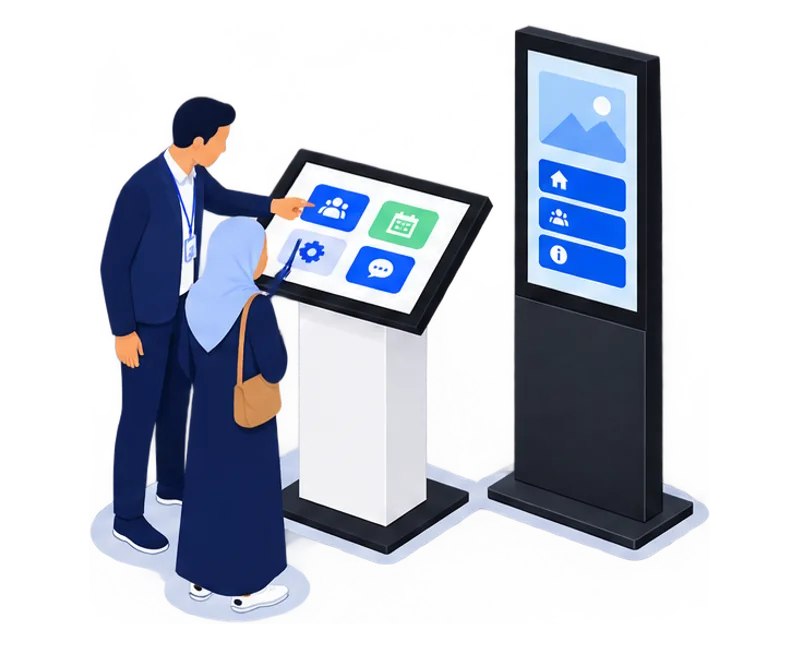
The KIOSK touchscreen has a tilted landscape screen on a column, suited to browsing brochures, forms and games. The touchscreen totem has a portrait screen that is visible from a distance, suited to welcome and wayfinding. If you are unsure, describe your use and space and TouchTech will help you choose.
See kiosks and totemsWhich screen sizes does the KIOSK touchscreen come in?
The KIOSK touchscreen comes in 21, 27, 32, 43 and 55 inches. The 21 to 32-inch formats suit individual interactions such as a form or document browsing. The 43-inch combines presentations, games and lead capture; the 55-inch gives more room to visuals and demonstrations.
See the five KIOSK formatsDoes the size in inches describe the kiosk’s footprint?
No. The diagonal in inches measures the kiosk’s screen, not its floor space or height. TouchTech confirms the chosen model’s dimensions and position with you; a venue plan or photo helps plan circulation around the kiosk.
Do you offer touchscreens to build into a stand?
Yes. TouchTech rents 21 to 55-inch touchscreens with no floor stand, to build into your booth: flush in a partition, fixed to a stand wall or set in a counter. We prepare the application and the fitting with your stand builder.
TouchscreensWindows or Android: which computer for a touchscreen kiosk?
TouchTech chooses the computer in each kiosk, totem or touchscreen from the application, before delivery: Windows or Android, with or without a graphics card, up to 64 GB of RAM. As an importer and manufacturer, we configure and test the equipment ourselves. You will not receive an Android kiosk only to find out that the application needs Windows or 32 GB of RAM. Describe your application in your enquiry.
How does a touchscreen kiosk differ from a display kiosk?
A touchscreen kiosk lets visitors control the content: browse, answer or play. A display kiosk shows images, videos or messages without requiring interaction. The TouchTech rental offer covers touchscreen kiosks and totems.
Explore the touchscreen totemCan a touchscreen kiosk be installed outdoors?
An outdoor or exposed installation must be assessed before rental: position, power supply and exposure to sun, rain or heat. Describe the venue in your enquiry; a photo of the location helps the assessment.
Can one kiosk present documents and capture leads?
Yes. The TouchTech Brochure kiosk combines both uses on one screen: visitors browse your documents, select the ones they want and leave their contact details to receive them.
Explore the Brochure kioskDo you offer virtual reality activations?
Yes. TouchTech rents standalone Meta Quest VR headsets for trade shows and events in Morocco: an activation with an experience catalogue, a 360° virtual tour of your site or a custom-built experience. A touchscreen kiosk placed alongside can handle player sign-up.
VR headset rental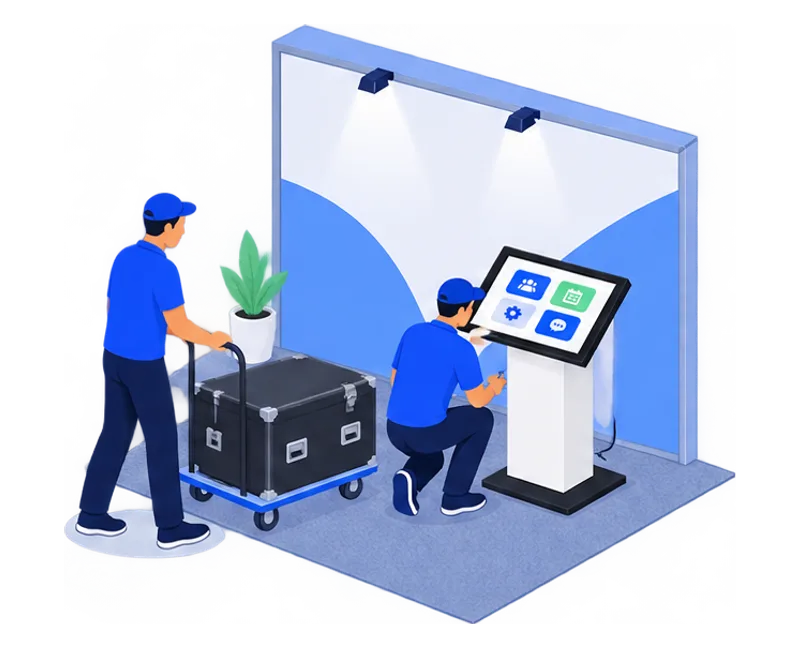
Delivery, setup and support
Access, power and support are planned before the event.
What does a kiosk or totem rental include?
In Casablanca, rental includes equipment, delivery, setup, collection and technical support. Integrating your content into one of our applications is included. Physical branding, content creation and custom development are specified in your quote.
Rental in CasablancaDo you deliver kiosks across Morocco?
Yes. TouchTech delivers, installs and collects its kiosks across Morocco: Casablanca, Rabat, Marrakech, Tangier, Agadir, Fez, Meknes or elsewhere. Our kiosks have been installed on stands at GITEX Africa in Marrakech and SIAM in Meknes. Delivery is included in Casablanca; elsewhere, add your city and venue to the enquiry and transport is quoted for that location.
What information is needed for delivery?
Provide the address, access route, floor, setup and collection times, and the on-site contact. A photo or plan of the venue helps TouchTech prepare positioning and cable routing.
What do we need on site to power the kiosk?
Provide a power socket close to the kiosk’s position and a clear route for the equipment. Mention any venue constraints in your enquiry; TouchTech plans positioning and connection with that information.
Does the kiosk need an internet connection?
Connectivity requirements depend on the selected application and features: a website or remote service needs a suitable connection. Tell us about the venue’s connection; TouchTech confirms the intended operation before installation.
How does kiosk installation work at a trade show?
For a trade show, share the booth location, the build-up and breakdown times set by the organizer and the hall access conditions. Make sure power is provided on the booth. TouchTech schedules delivery, installation and collection within those slots.
Do you test the application before delivery?
Yes. Before delivery, the TouchTech technical team sets up the computer, installs your application and checks full-screen display, smoothness and every interaction. The kiosk arrives ready to use: there is nothing to install when it reaches you.
Do you show the stand team how to use the kiosk?
Yes. At installation, TouchTech shows your team how to use the kiosk and leaves a sheet explaining what to do if a problem occurs. Technical support stays available during the rental; a technician on site throughout is quoted separately.
What does technical support cover during the rental?
In Casablanca, technical support is part of the TouchTech rental, along with delivery, setup and collection. A technician present on site for the whole event is an option quoted separately.
Applications and content
Your documents, questions and identity guide preparation.
How do I define what my touchscreen kiosk should achieve?
Start with what visitors should do at the screen: browse your offer, leave their details, play a game, find information or give feedback. That goal determines the application, the content to prepare and the kiosk format. TouchTech helps you define it when several options remain open.
Which applications does TouchTech offer on its kiosks?
TouchTech offers 12 applications for touchscreen kiosks and totems: TouchSpin (Prize wheel), TouchQuiz (Interactive quiz), TouchMemory (Memory game), TouchScratch (Scratch card), TouchSlot (Slot machine), TouchWin (Instant win), TouchDocs (Brochure kiosk), TouchLead (Lead form), TouchAvis (Feedback kiosk), TouchWelcome (Visitor welcome), TouchMap (Maps & wayfinding) and TouchQueue (Queue management).
Browse the applicationsCan I brand the app and the kiosk?
Apps feature your colors, logo and content. The kiosk can also take a printed wrap cut to its shape, adhesive or magnetic: logo, colors or a message. Physical branding and its graphic design are quoted separately.
What should we provide to prepare the application?
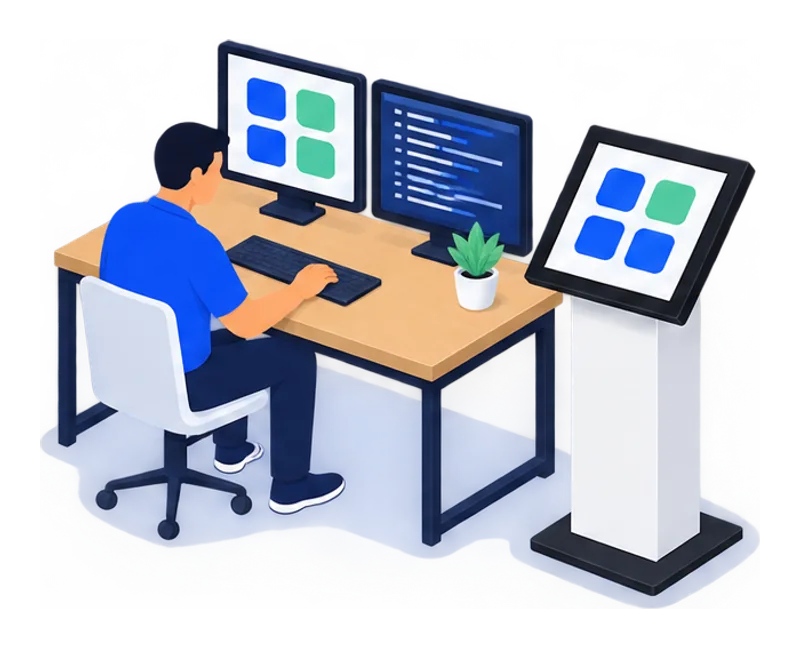
Prepare your logo, colours, text and relevant files: brochures, questions, images or map. TouchTech agrees the languages, screen order and the person who approves the journey with you.
Content preparation guideIn which languages can the application be prepared?
The application can be prepared in several languages for your audience, for example French, English or Arabic. Supply approved texts for each language; TouchTech confirms they are supported in the chosen application. Translation is not included by default.
Does TouchTech help prepare the content?
Yes. TouchTech helps you choose the documents, visuals and questions that serve your goal, then organise the application’s screens. Integrating your content into one of our applications is included; creating new content is quoted separately.
Our supportDo you develop custom kiosk applications?
Yes. When none of our applications fits, TouchTech develops an application designed for the kiosk touchscreen and your journey. Describe the goal, audience and expected actions: the quote separates configuring an existing application from custom development.
Custom developmentDo you create 360° virtual tours?
Yes. TouchTech captures properties and hotels in Morocco in 360°. The tour is shared by link and can also be shown in a VR headset or on a touchscreen kiosk, for example at a trade fair.
360° virtual tours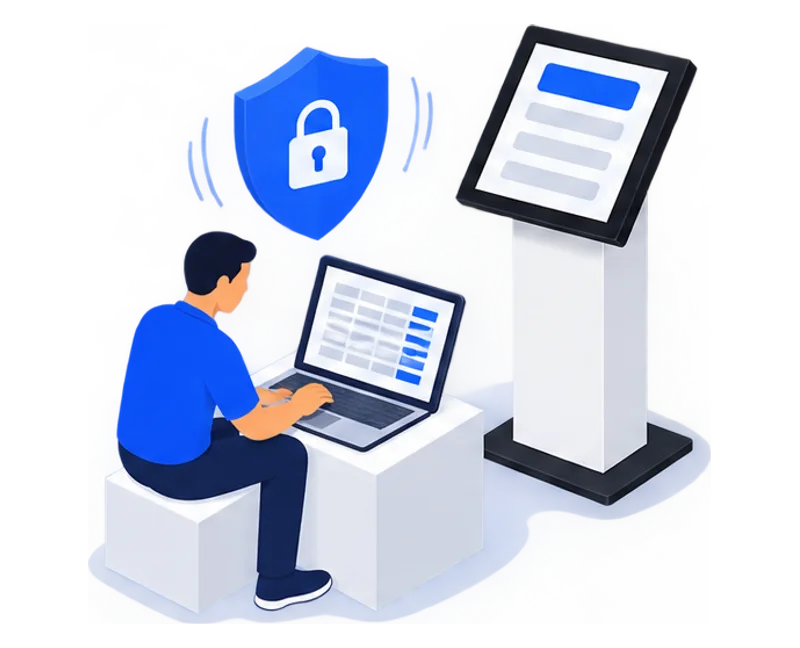
Collected data
Useful leads, collected with visitor consent.
What data can a touchscreen kiosk collect?
A touchscreen kiosk collects only the information built into the journey: contact details, interests, chosen documents, quiz or survey answers, game entries. Fields are chosen with you before the event; ask only for what your follow-up needs.
How do I get the collected leads?
Collected data is delivered after the event as an Excel or CSV file. The handover contents are agreed with you before the event.
How are visitors informed about the use of their data?
In Morocco, Law 09-08 governs the processing of personal data, under the supervision of the CNDP. Your organisation defines the information requested, its purpose and its retention period. TouchTech integrates the information text and consent request you have approved into the journey.
Prepare data collectionAre collected contacts followed up automatically?
No. The TouchTech service delivers the data to your team, which organises replies. CRM connections and automated follow-up are not part of the service.
A kiosk. A team. Your project.
A first message is enough. We’ll come back to you with a proposal.