Touchscreens, from 21 to 55 inches
A screen with no floor stand, built into your booth. We prepare the application and the fitting with your stand builder.
Three ways to build it into your stand.
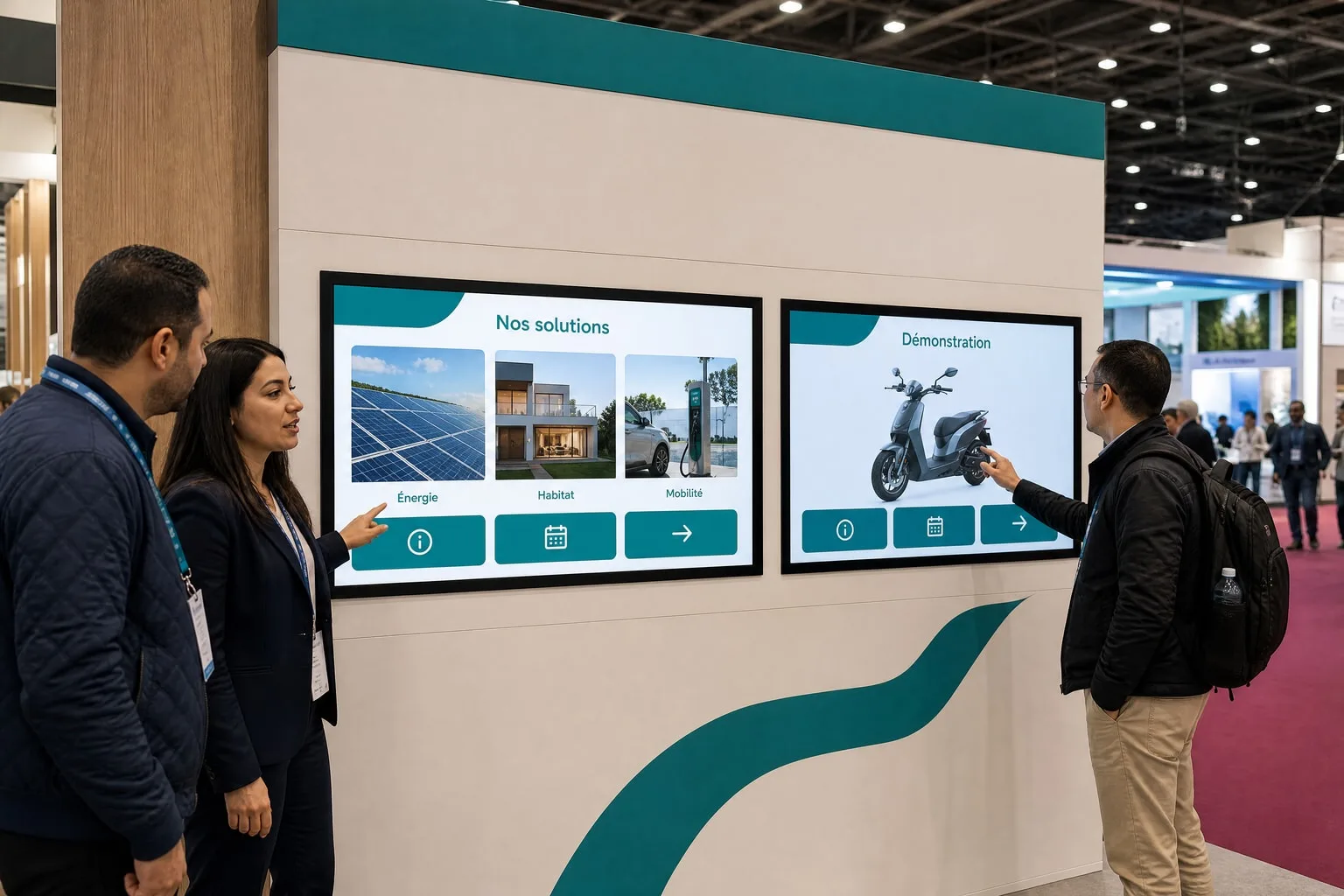
 01
01Flush in a partition
The screen sits flush with the partition: your stand builder plans the opening and rear access.
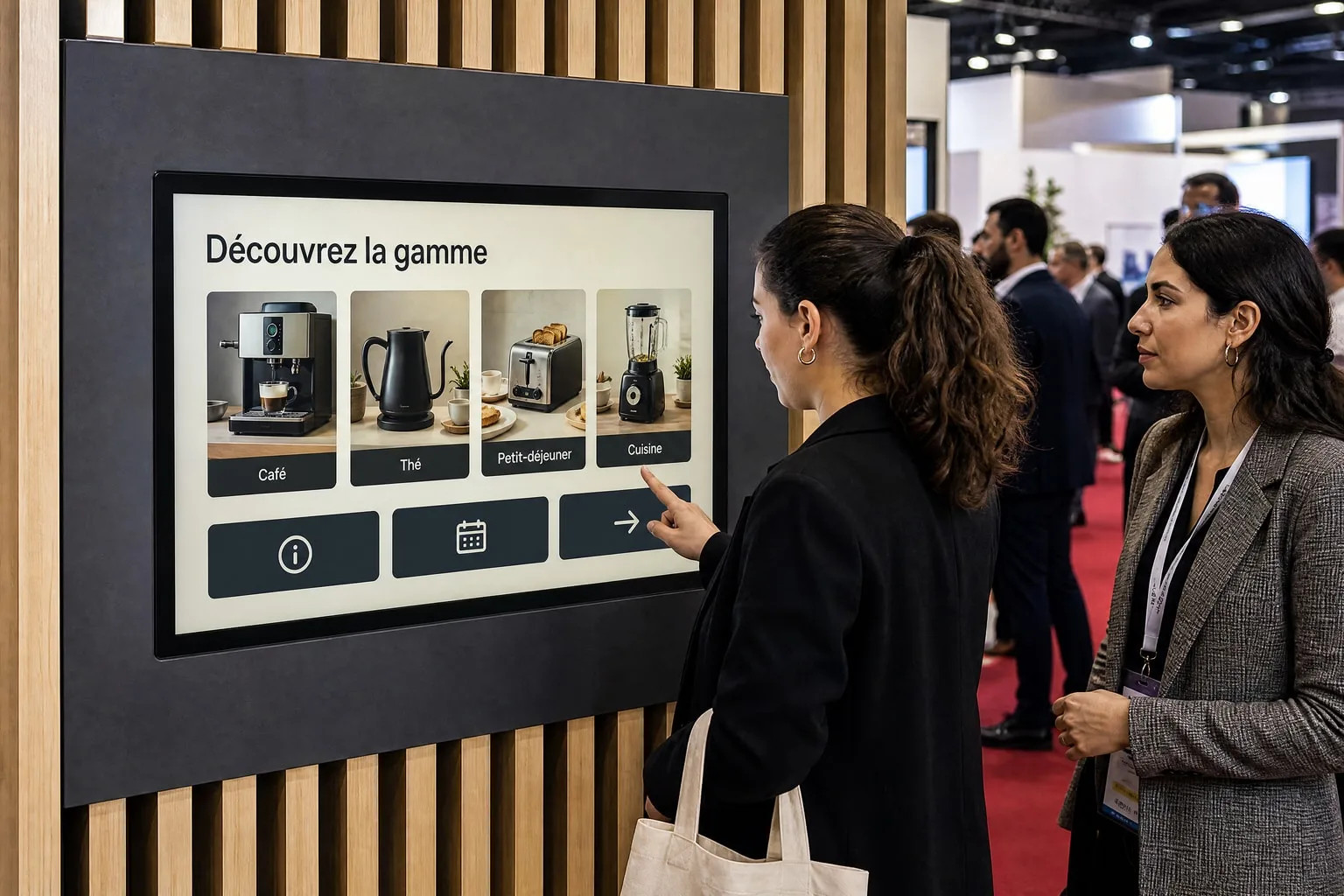
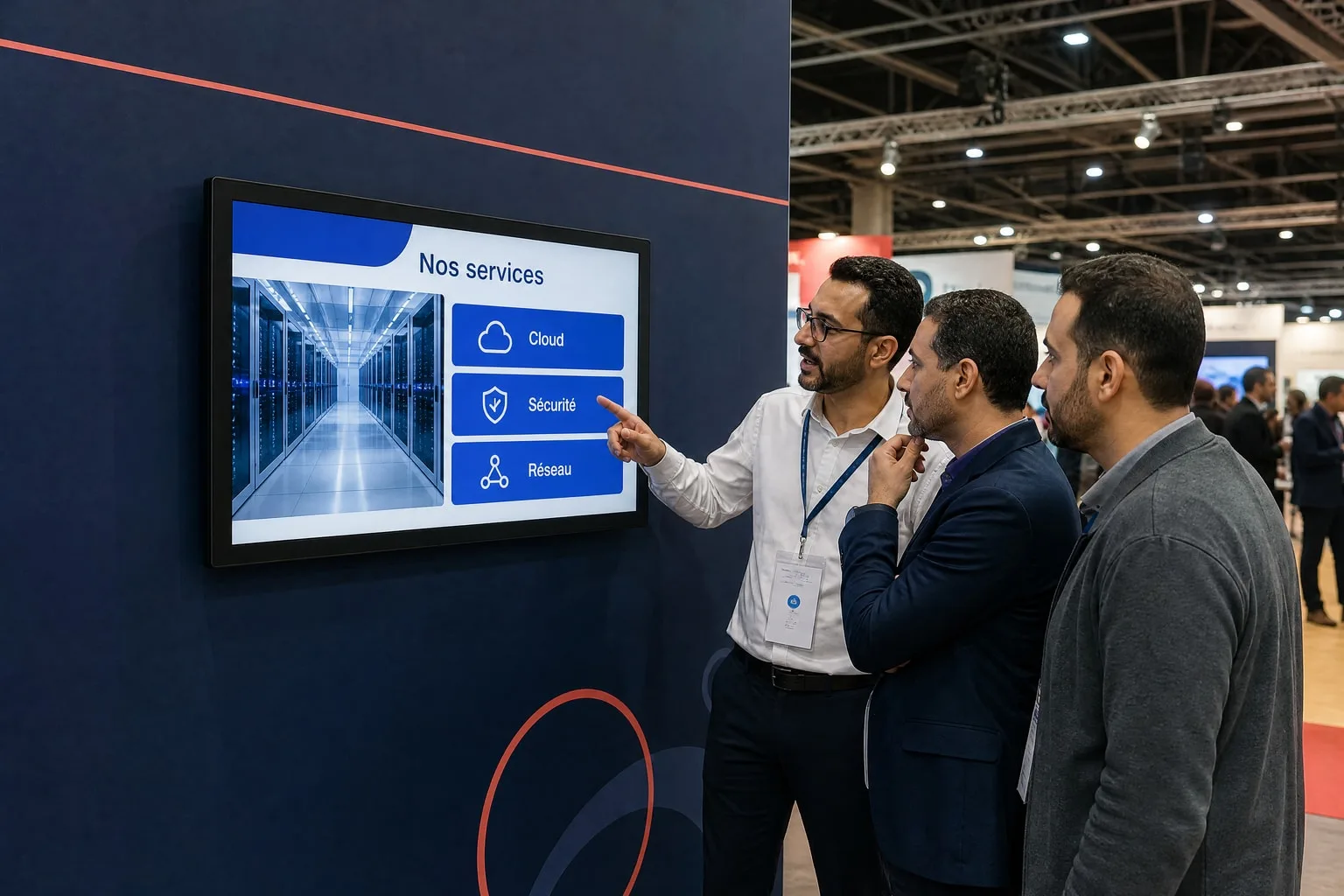 02
02Fixed to a stand wall
A wall bracket holds the screen at hand height, on a partition strong enough to carry it.
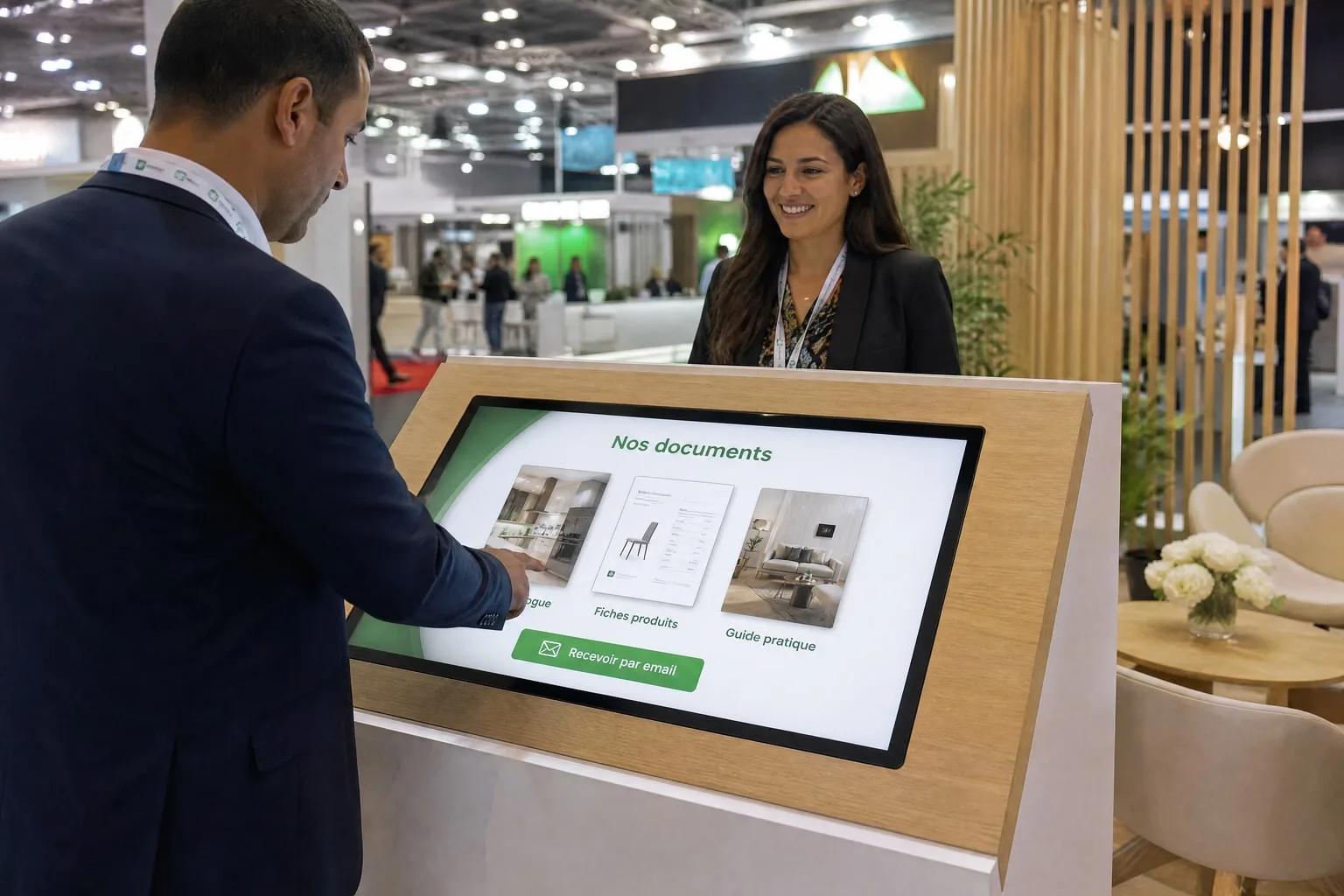 03
03Built into furniture
In a counter or lectern, the screen is used at an angle, like a worktop.
A turnkey rental
Chosen, prepared, tested, installed and collected by our team.
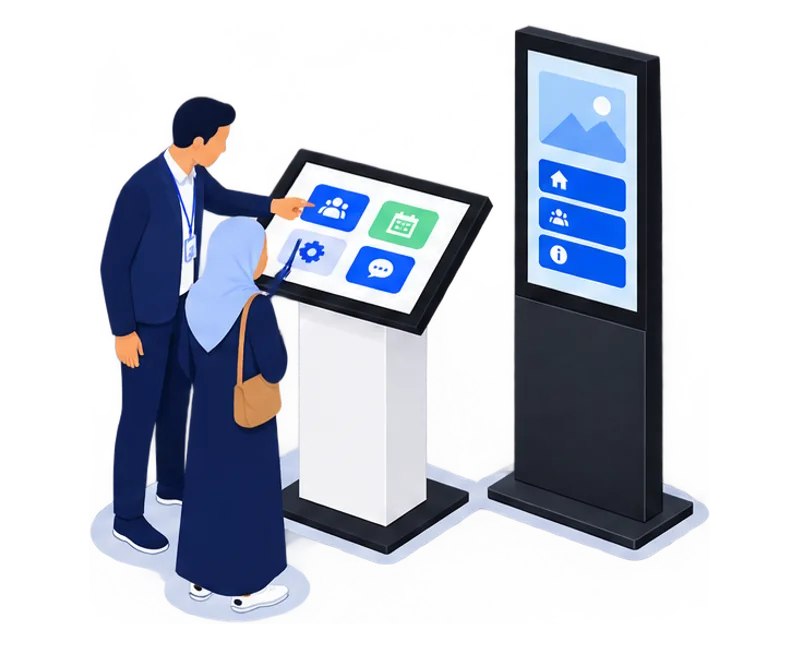
- 01Choose the equipment and application
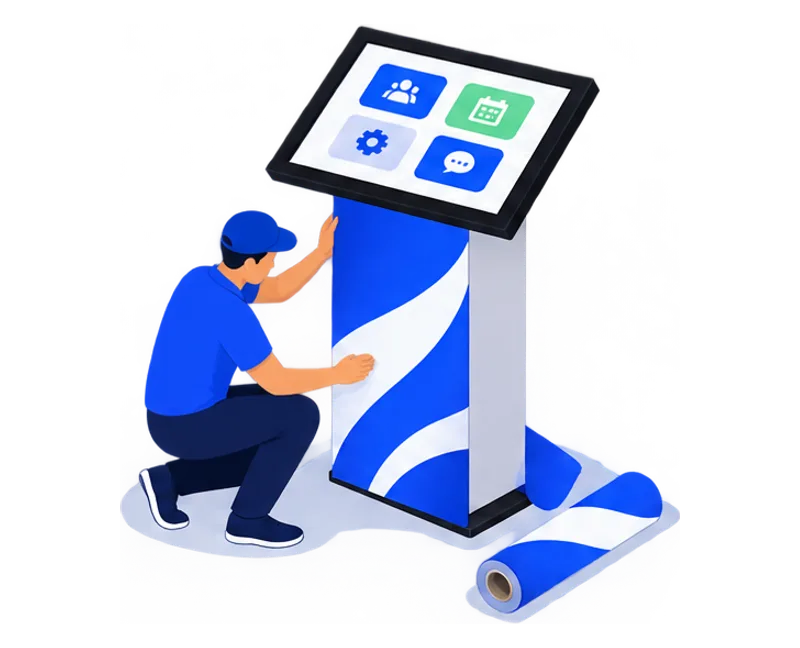
- 02Prepare the content and wrap
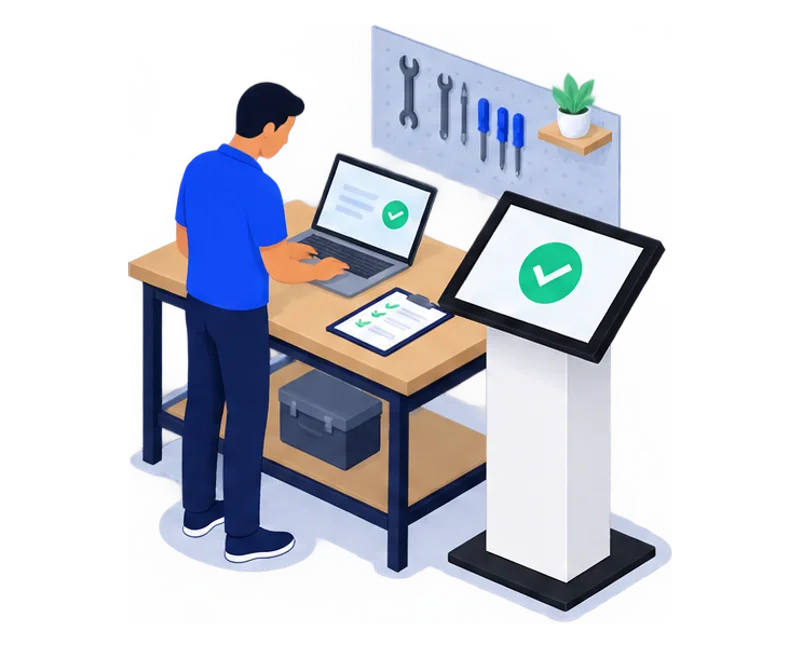
- 03Test before delivery
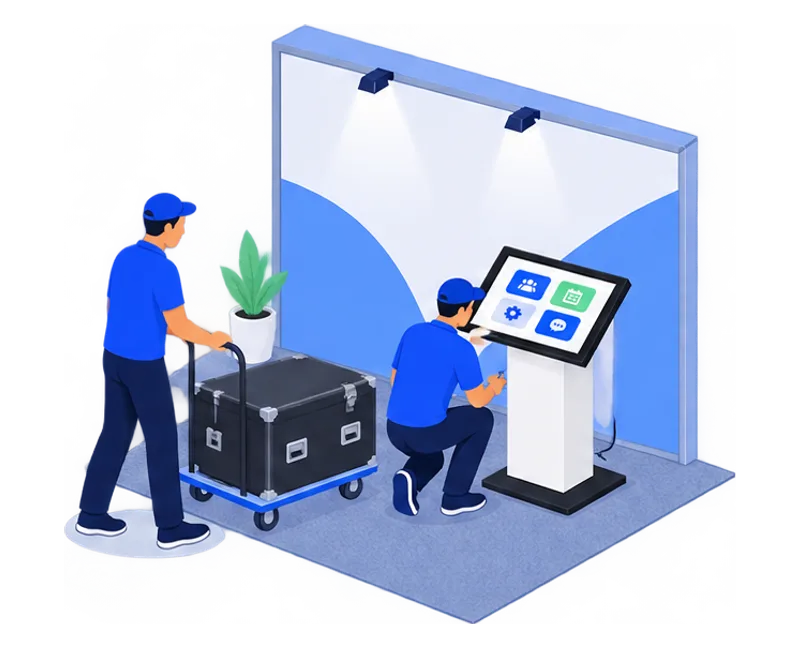
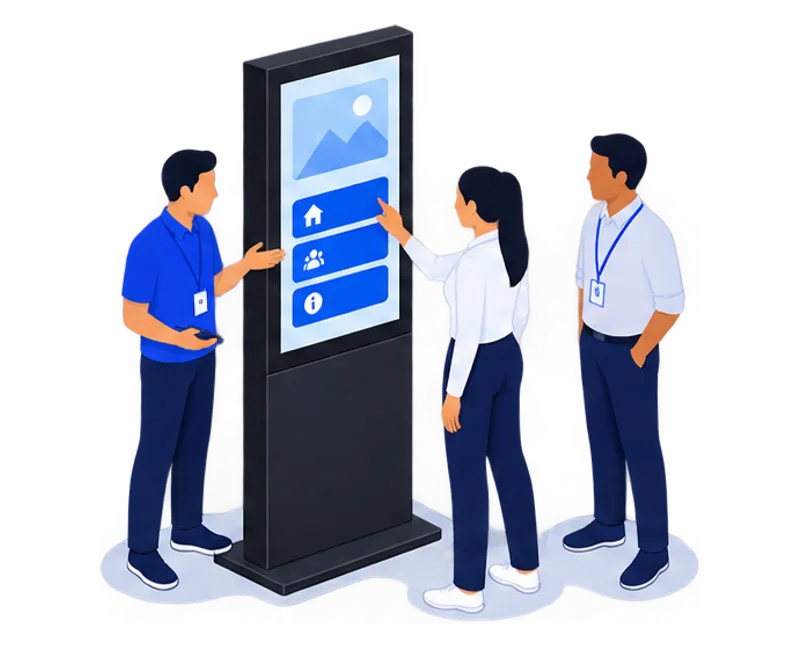
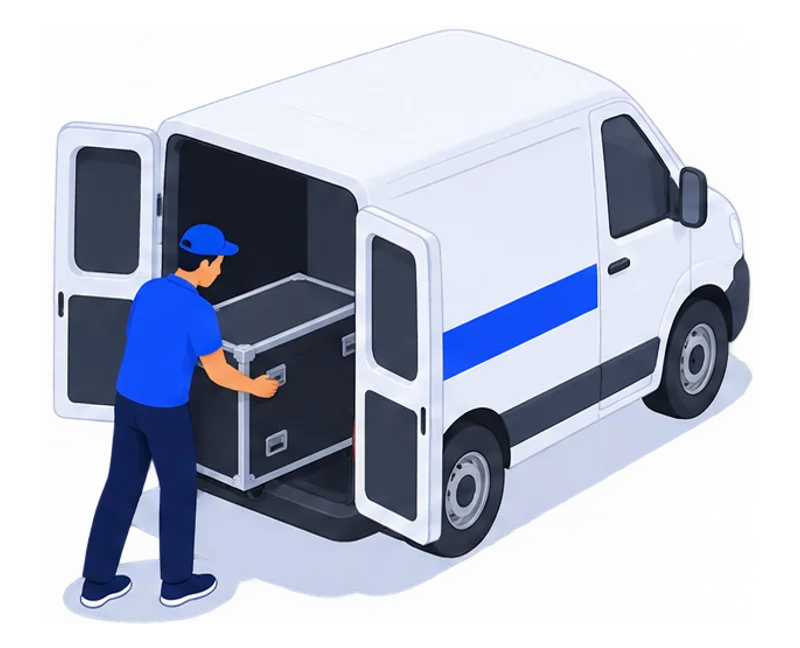
- 04Deliver and install on your stand
- 05Hand over on site
- 06Collect and hand over data
Before you build your stand.
How does a touchscreen differ from a touchscreen kiosk?
The TouchTech touchscreen has no floor stand: it is built into your booth structure. The KIOSK and the totem stand on their own and need no work on the booth.
How is a touchscreen built into a stand?
Tell us the integration you want and your stand builder’s contact. We send them the screen dimensions, power needs and access to plan, then we fit and test the screen during build-up.
Which screen size suits a stand?
Touchscreens come in 21, 27, 32, 43 and 55 inches. A small format suits a counter or individual browsing; a 43 or 55-inch screen is visible from the aisle and supports group demonstrations.
Windows or Android: which computer for a touchscreen kiosk?
TouchTech chooses the computer in each kiosk, totem or touchscreen from the application, before delivery: Windows or Android, with or without a graphics card, up to 64 GB of RAM. As an importer and manufacturer, we configure and test the equipment ourselves. You will not receive an Android kiosk only to find out that the application needs Windows or 32 GB of RAM. Describe your application in your enquiry.
How much does a touchscreen rental cost?
The price of a touchscreen depends on the size, the stand integration, the application and the rental period. Your quote sets it out for your dates.
A kiosk. A team. Your project.
A first message is enough. We’ll come back to you with a proposal.