KIOSK touchscreen, 21 to 55 inches
For brochures, leads and games. We help you prepare the content.
From 2,000 MAD excl. VAT per day for each kiosk or totem, depending on model and setup.
They have trusted us







Give visitors a reason to interact.
Choose one of our applications or have one developed for your kiosk.
Turn your content into a touchscreen journey.
You do not need a finished application to get started. We work from your goal and the materials you already have.
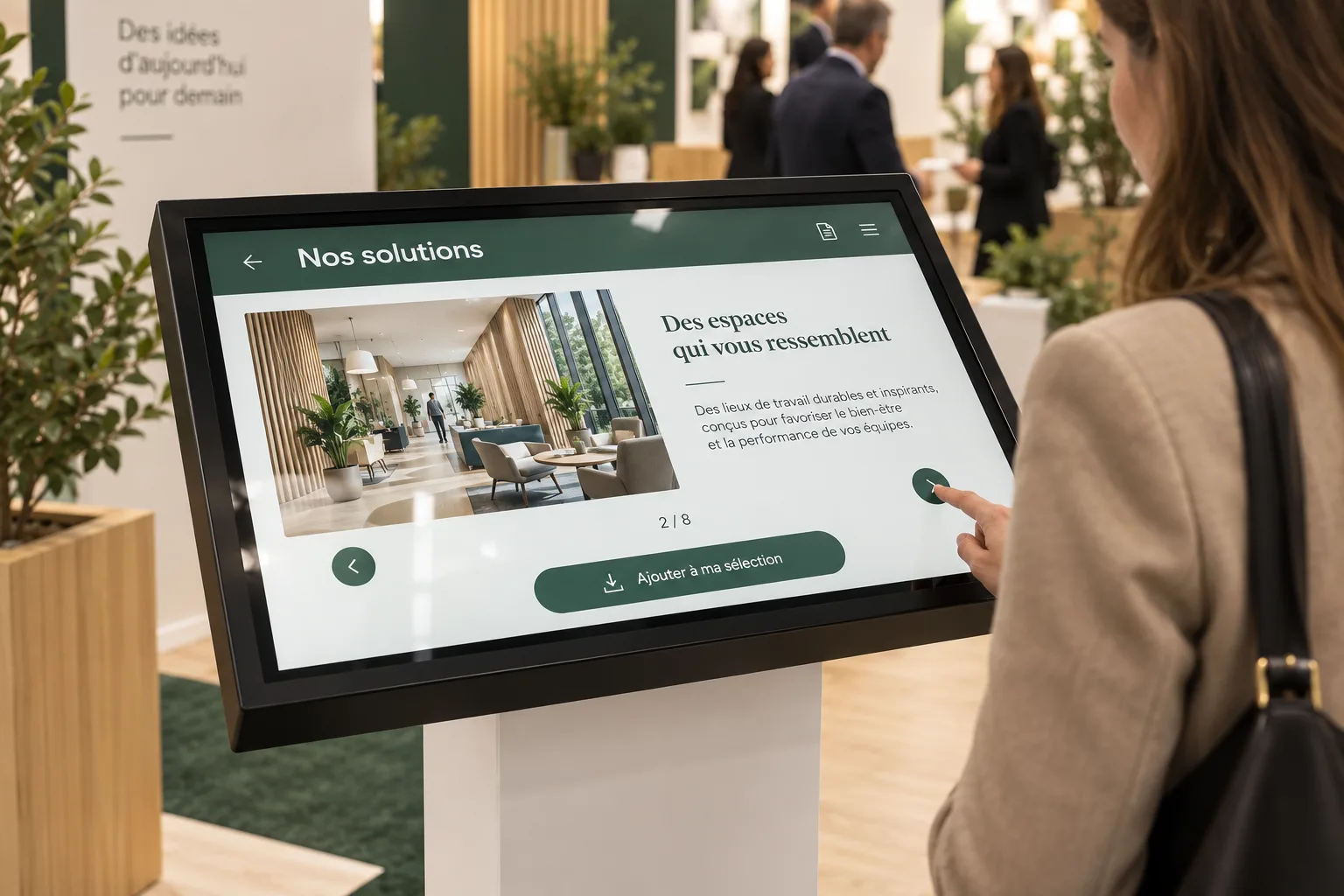
Your starting materials
Brochures, a logo, visuals and questions: together we identify what the interaction needs.
Content organised for the screen
Categories, buttons, a form or a game sequence: we prepare the journey and integrate the agreed materials.
Review before installation
Review the wording, visuals and navigation with us. The approved content is prepared for the kiosk’s installation.
A turnkey rental
Chosen, prepared, tested, installed and collected by our team.
- 01Choose the equipment and application
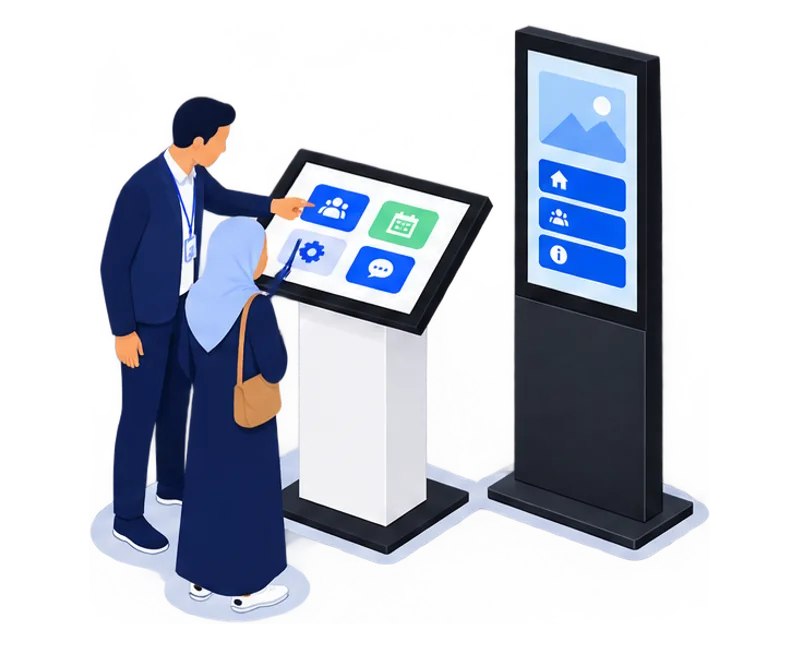
- 02Prepare the content and wrap
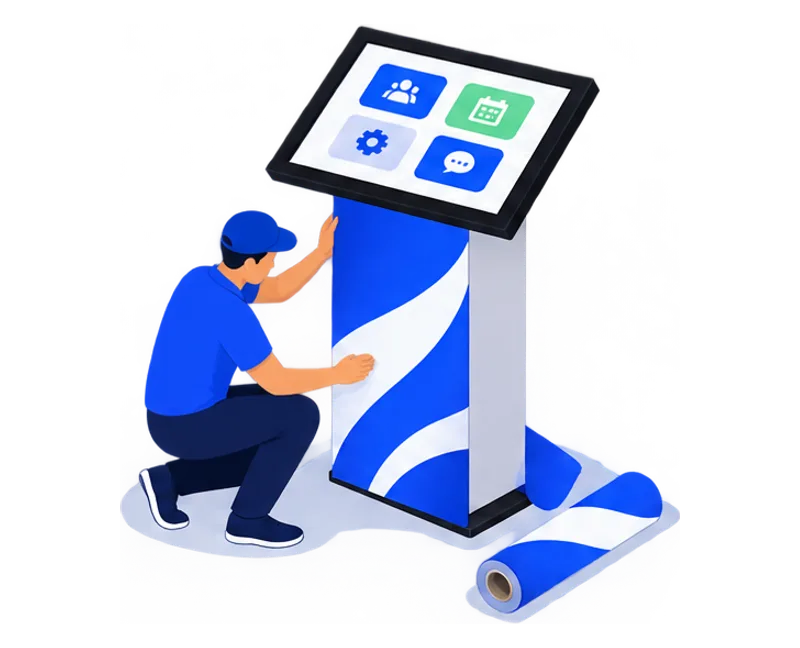
- 03Test before delivery
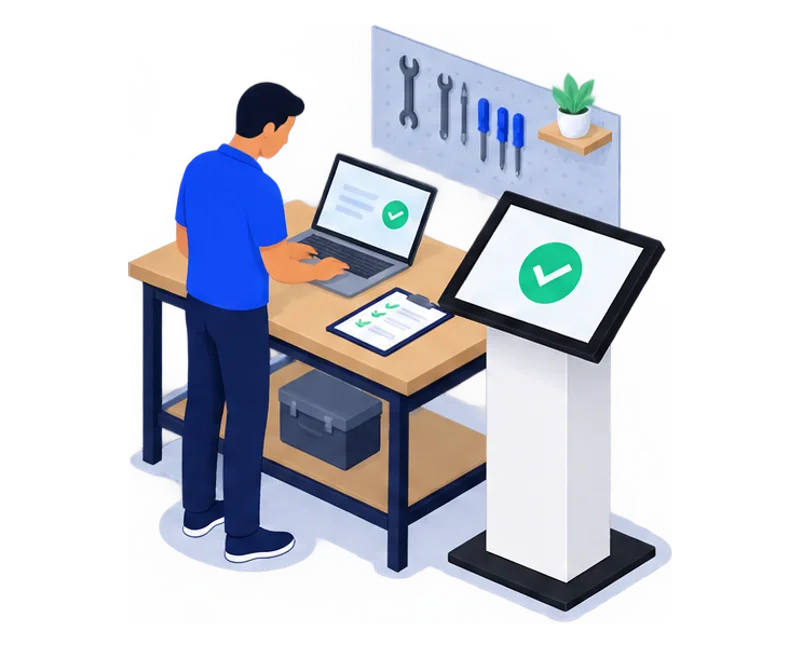
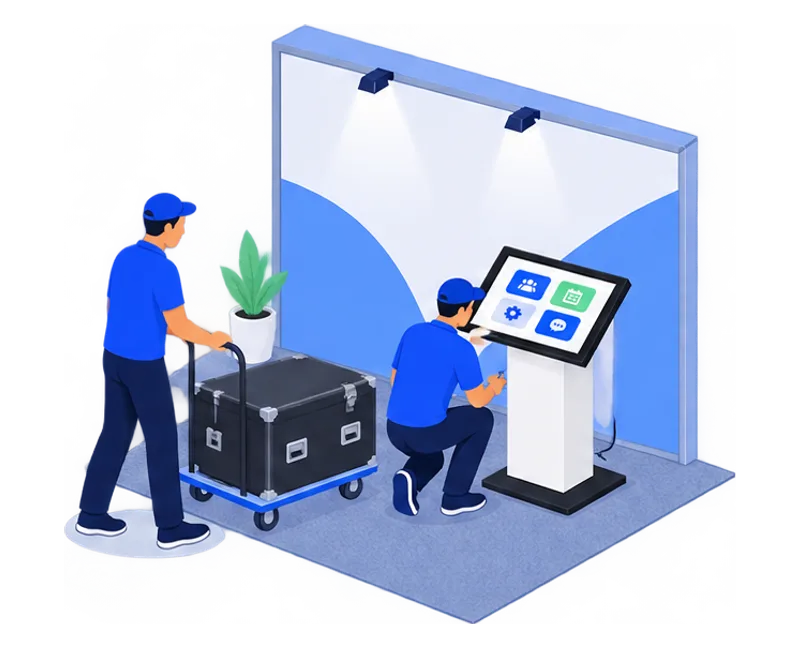
- 04Deliver and install on your stand
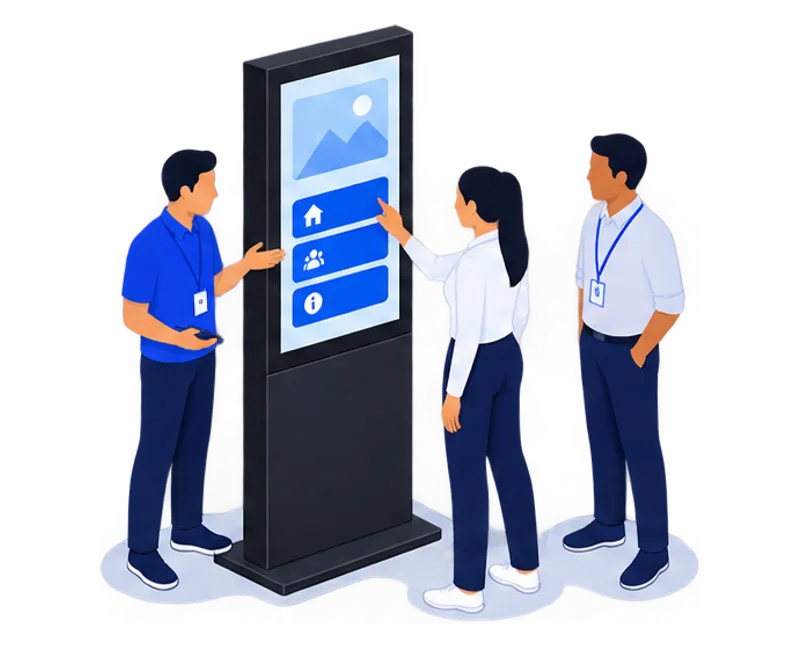
- 05Hand over on site
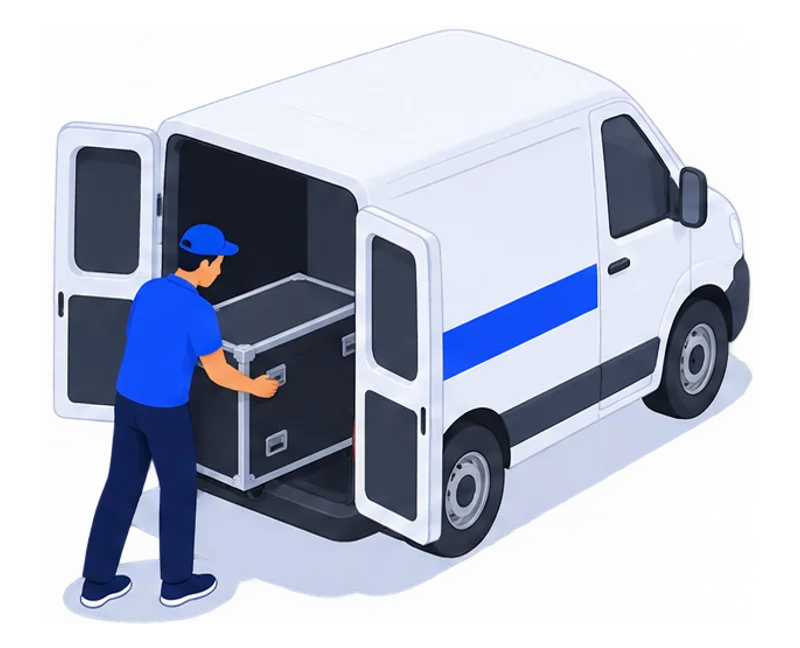
- 06Collect and hand over data
Your practical questions.
Format, preparation and rental: the details to help you decide.
Which touchscreen size should I choose?
The 21, 27 and 32-inch formats create an individual interaction point; 43 and 55-inch screens give presentations more room. Content, viewing distance and available space guide the choice. You can contact us before deciding on a size.
Can the kiosk and its screen be branded?
Yes. We prepare the application using your colours and approved material. Physical branding of the kiosk can complete the setup, quoted separately.
Does the kiosk need an internet connection?
Requirements depend on the selected journey. A website or remote service needs a suitable connection. We check the content, collection process and venue conditions before installation.
Can we use several kiosks on one stand?
Yes. Tell us which interaction points you need: brochures, a form, a game or visitor information. We prepare the layout and content so each kiosk has a clear role. Quantities and formats are confirmed subject to availability.
What should I prepare for installation?
The booth plan and proposed kiosk position. A nearby power socket and the cable route, agreed with your on-site contact. Venue access times for setup and collection.
Windows or Android: which computer for a touchscreen kiosk?
TouchTech chooses the computer in each kiosk, totem or touchscreen from the application, before delivery: Windows or Android, with or without a graphics card, up to 64 GB of RAM. As an importer and manufacturer, we configure and test the equipment ourselves. You will not receive an Android kiosk only to find out that the application needs Windows or 32 GB of RAM. Describe your application in your enquiry.
How much does it cost to rent a touchscreen kiosk or totem?
Rates start from 2,000 MAD excl. VAT per day for each kiosk or totem, depending on the model and setup. The daily rate decreases from 3 rental days. Integrating your content into one of our applications is included. In Casablanca, delivery, installation, collection and technical support are also included. Your quote confirms the amount for your dates.
Can I rent for several weeks or months?
Yes. We offer rental for events, campaigns and long-term installations. Equipment, support and pricing are set in the quote for how you will use them.
Buy rather than rentA kiosk. A team. Your project.
A first message is enough. We’ll come back to you with a proposal.