Showcase your products and services on a touchscreen kiosk
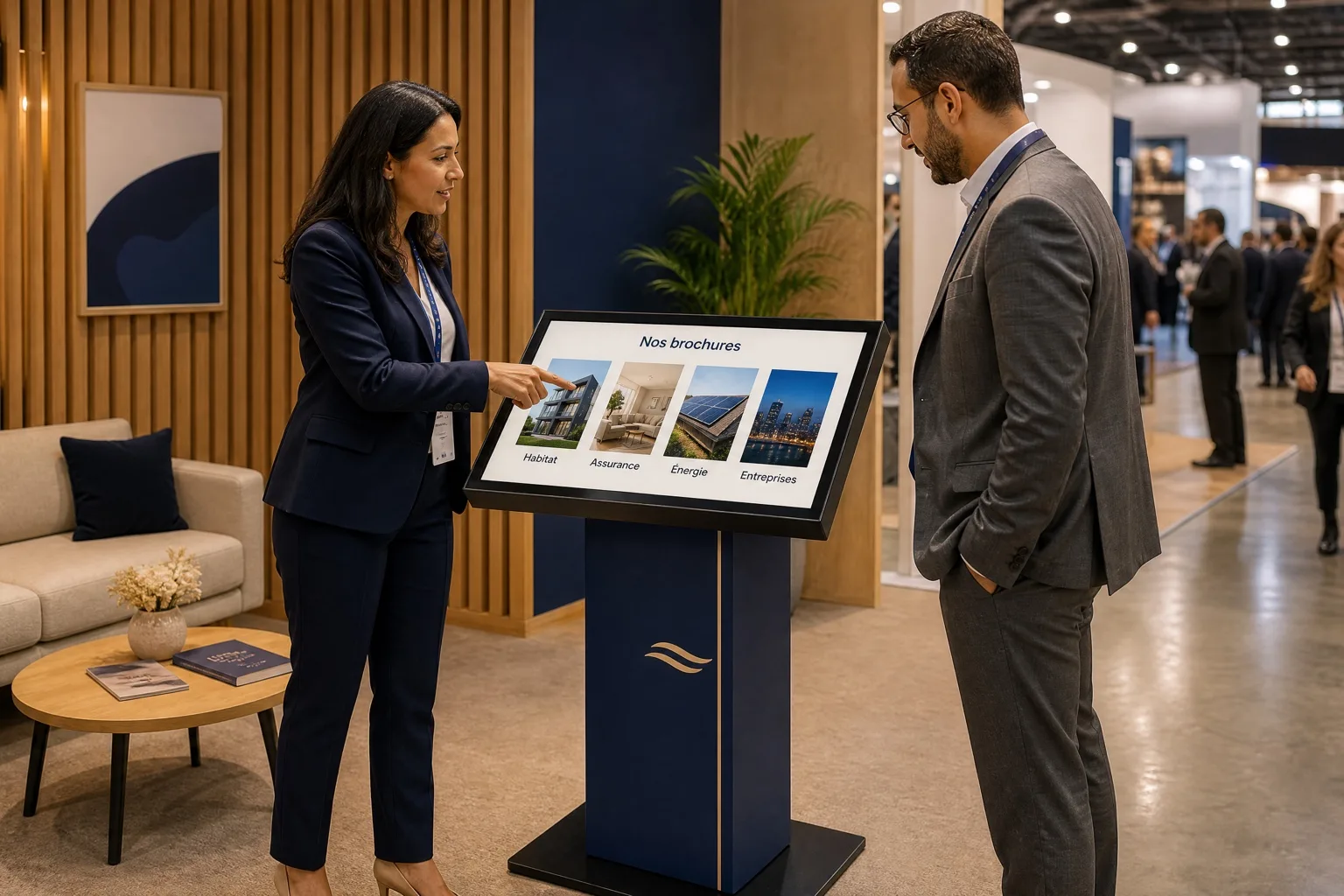
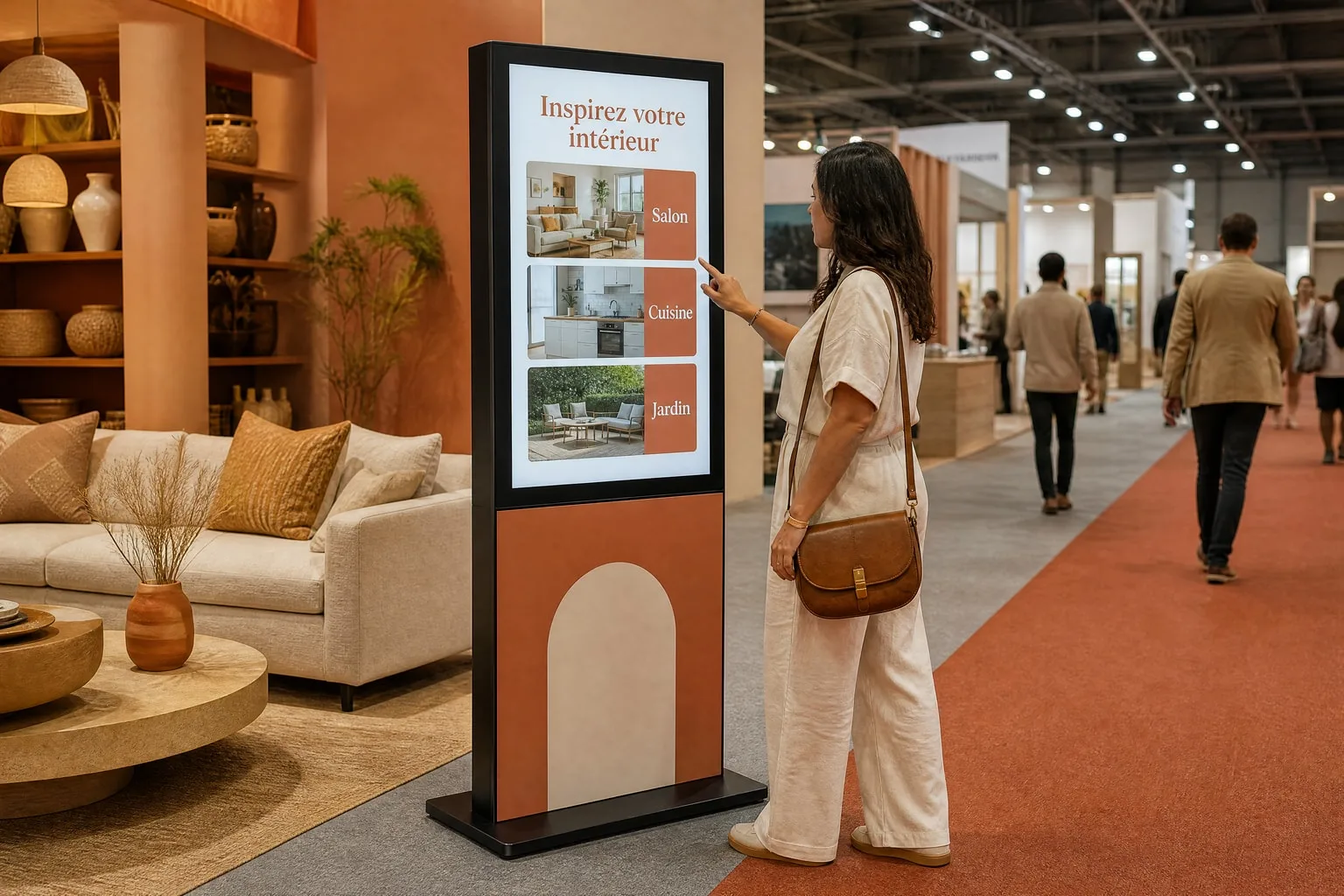
On a stand, at a congress or a launch, give visitors a simple way to explore your offer. TouchTech prepares a touchscreen kiosk and a selection of brochures to browse. Your team can use these documents to present a product, explain a service or continue a conversation.
The application for your project.
Brochure kiosk
Present your documents and collect visitor requests from one kiosk.
- Organized brochures and documents
- A branded interface
- Document choices and contact details captured
Where it fits.
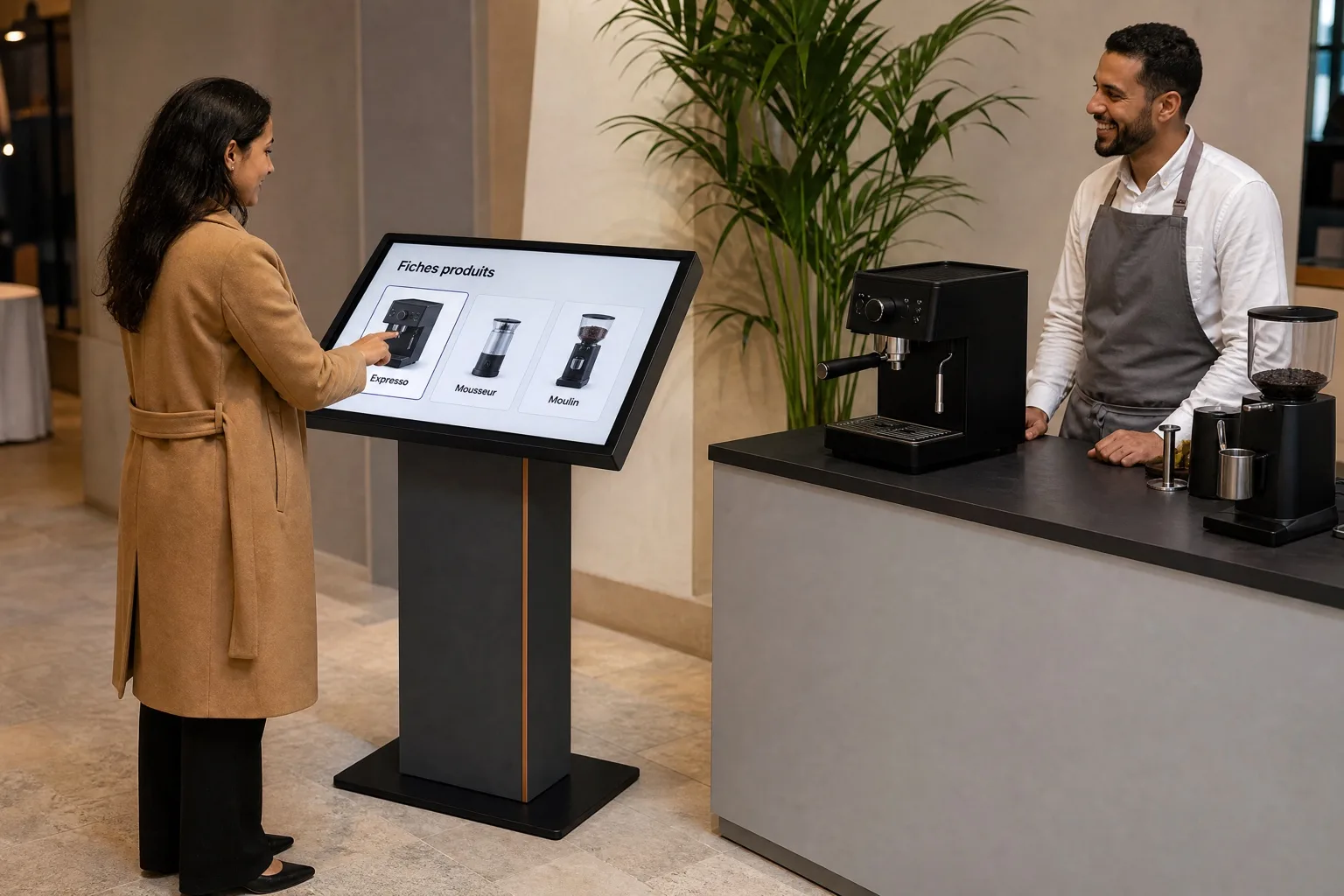
On a stand: find the relevant brochure after a demonstration.
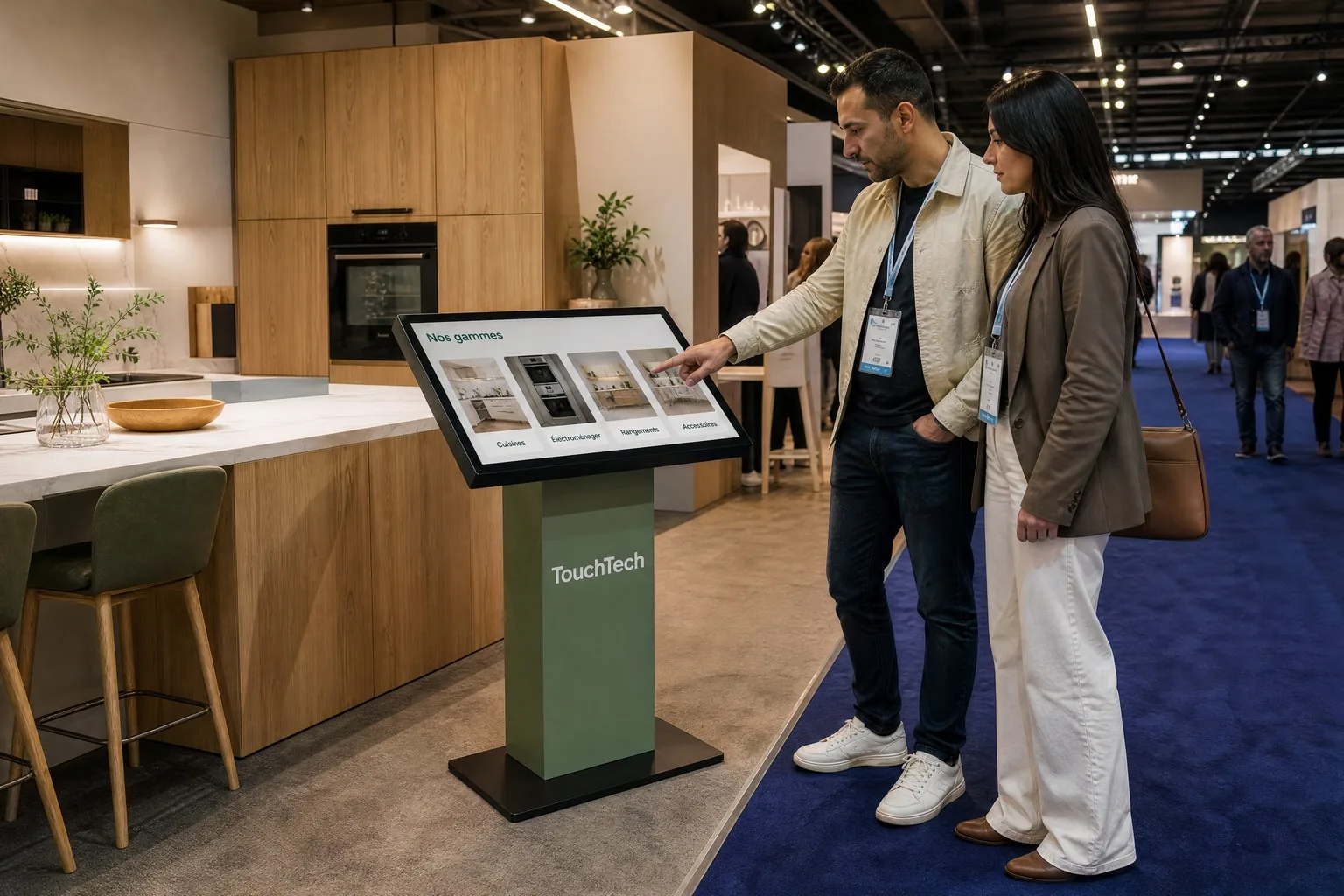
On a large stand: browse documents about your ranges and services.
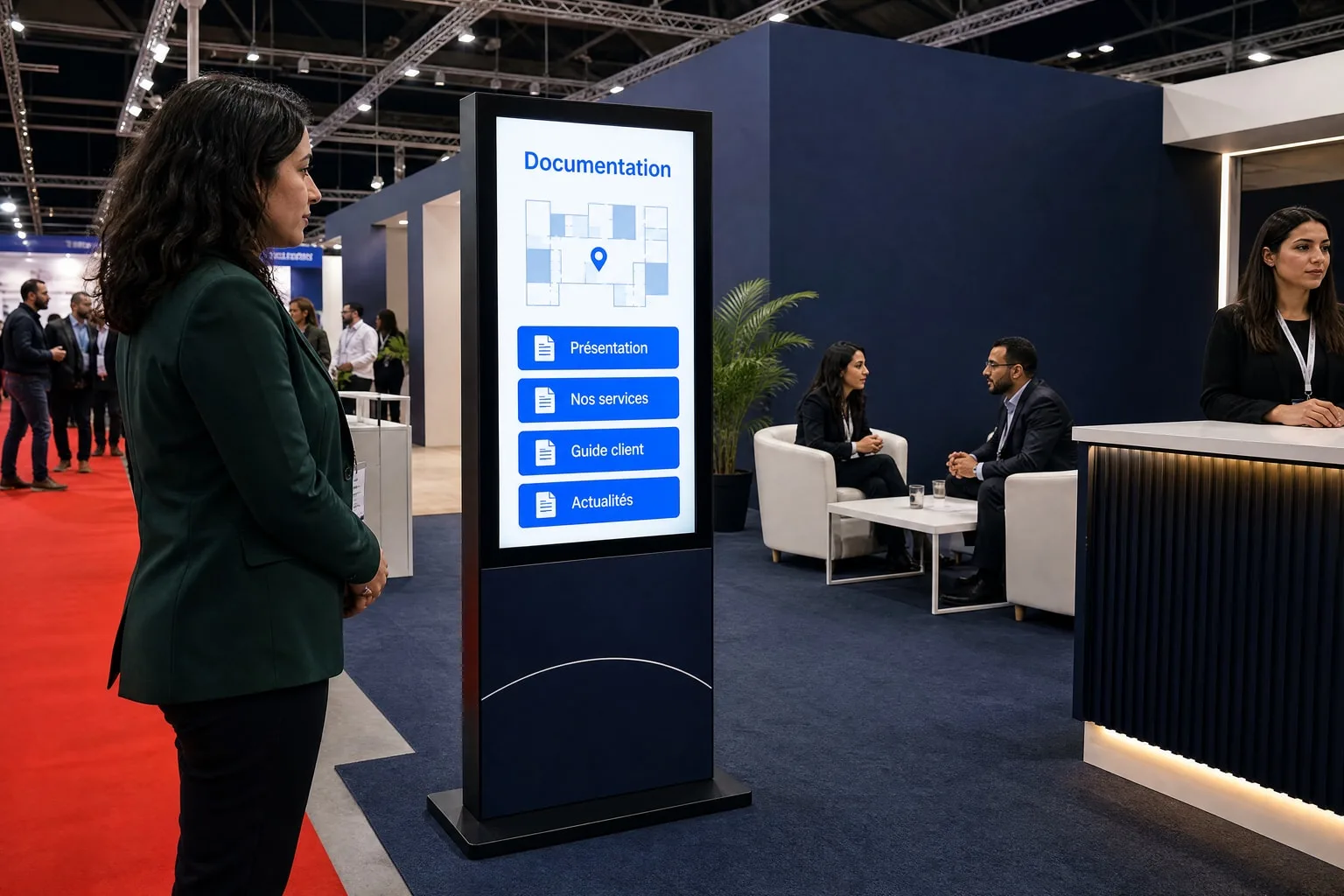
In the stand’s meeting area: make documentation available while visitors wait.
For your brief
- The offers to highlight and current documents describing them.
- Categories, languages and the order in which content is presented.
- The intended next step: browse, request a document or speak to your team.
Before you get started.
From 2,000 MAD excl. VAT per day for each kiosk or totem, depending on model and setup.
Is this an interactive product catalogue?
This offering uses your brochures and documents for on-screen browsing. A catalogue with search, filters, stock information or ordering is a different scope, to be assessed against your needs.
Do I need a touchscreen just to display an offer?
Touch is useful when visitors select and browse content themselves. To show a video or message without interaction, a display screen may be enough; our rental offer covers touchscreen kiosks and totems.
Which kiosk suits brochure browsing?
The KIOSK, with its tilted landscape screen, suits document browsing. The 32-inch size is enough for close-up reading; the 43-inch combines presenting your offer and capturing leads at a booth. The vertical totem is better suited to welcome and wayfinding.
See KIOSK formatsWhich documents should the kiosk offer?
Choose the documents your visitors actually ask for: up-to-date brochures, product or service sheets, presentations. A clear selection organized by section is easier to browse than a complete library; we help you sort and organize that selection.
A kiosk. A team. Your project.
A first message is enough. We’ll come back to you with a proposal.