Portrait touchscreen totem
A clear landmark on arrival. Maps, services or programme, prepared for your event.
From 2,000 MAD excl. VAT per day for each kiosk or totem, depending on model and setup.
They have trusted us







An answer at your visitors’ fingertips.
Choose one of our applications or have one developed for your totem.
The right information at the right moment.
A map or programme should be straightforward to use. We help turn your information into clear categories.
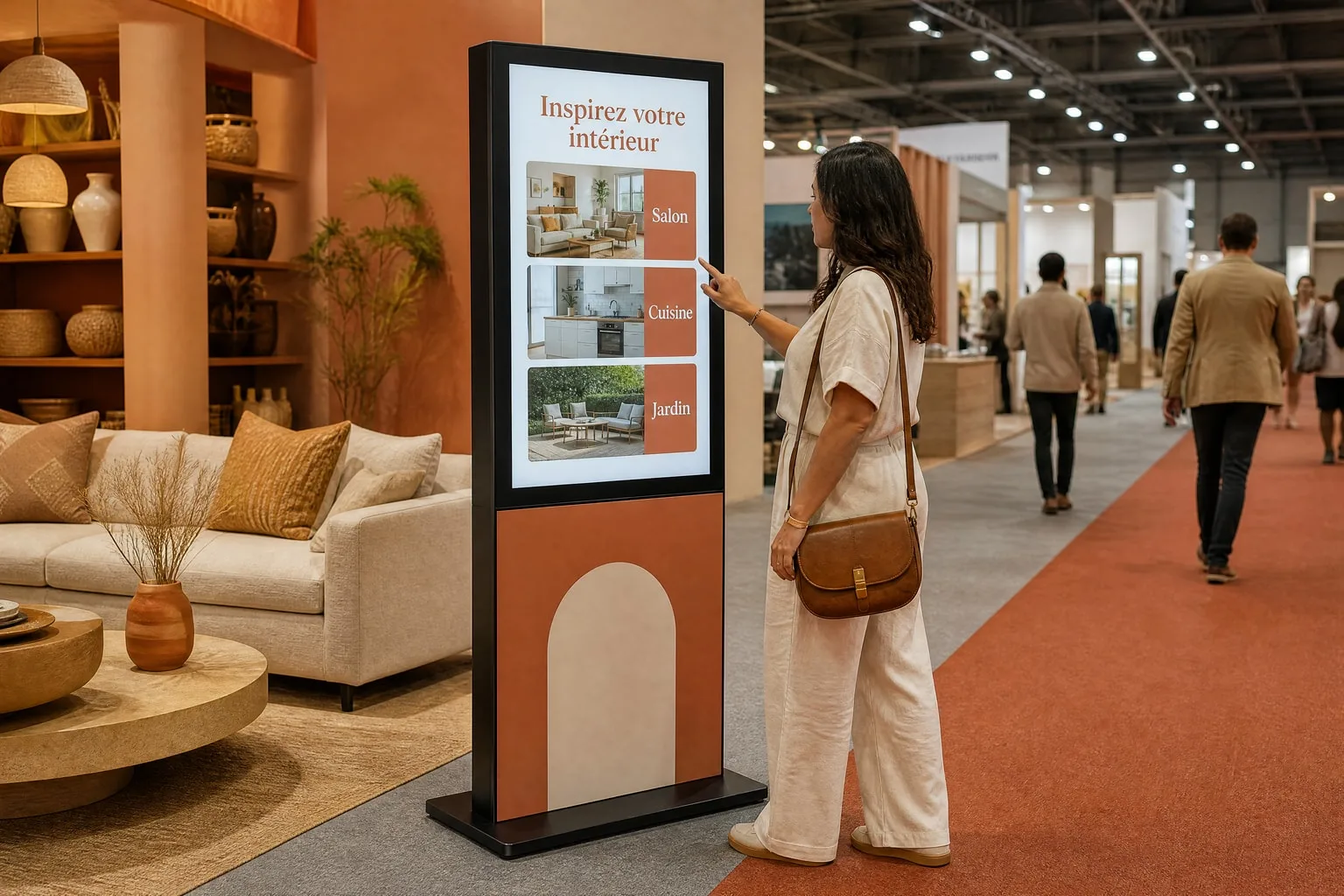
Gather the useful information
An up-to-date map, room names, programme and services: together we define what visitors need to find.
Prepare a portrait browsing experience
We organise categories and controls so visitors can find information easily in front of the totem.
Review with your team
You approve the names, times and content. We review the journey together before installation.
A turnkey rental
Chosen, prepared, tested, installed and collected by our team.
- 01Choose the equipment and application
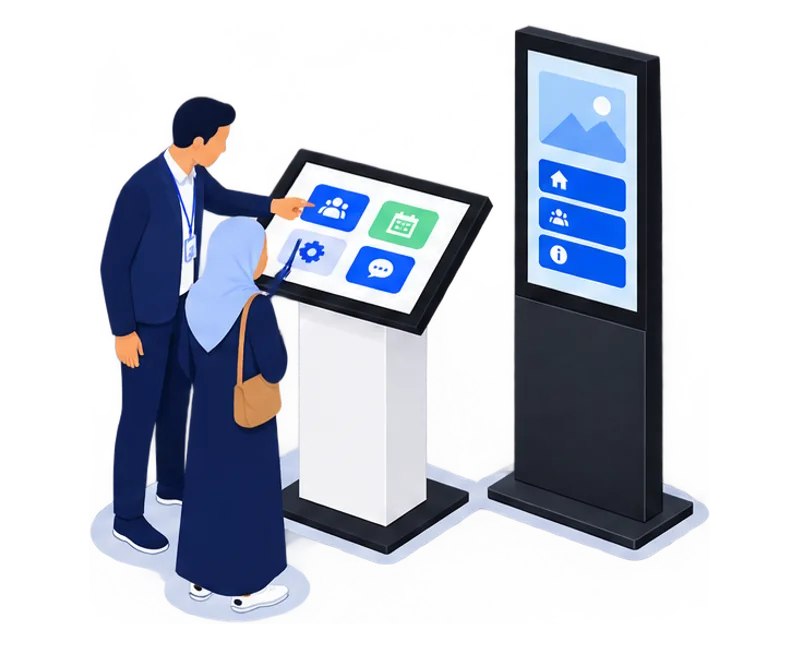
- 02Prepare the content and wrap
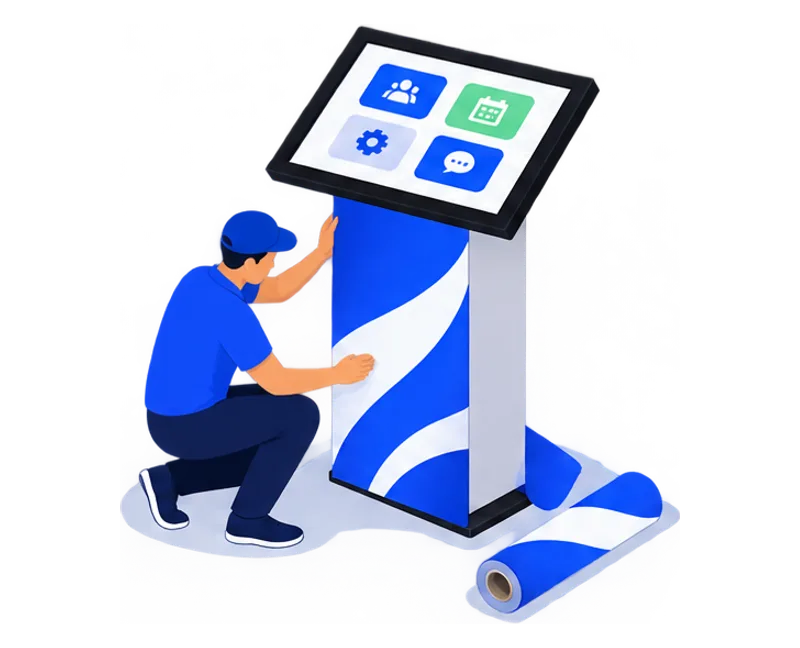
- 03Test before delivery
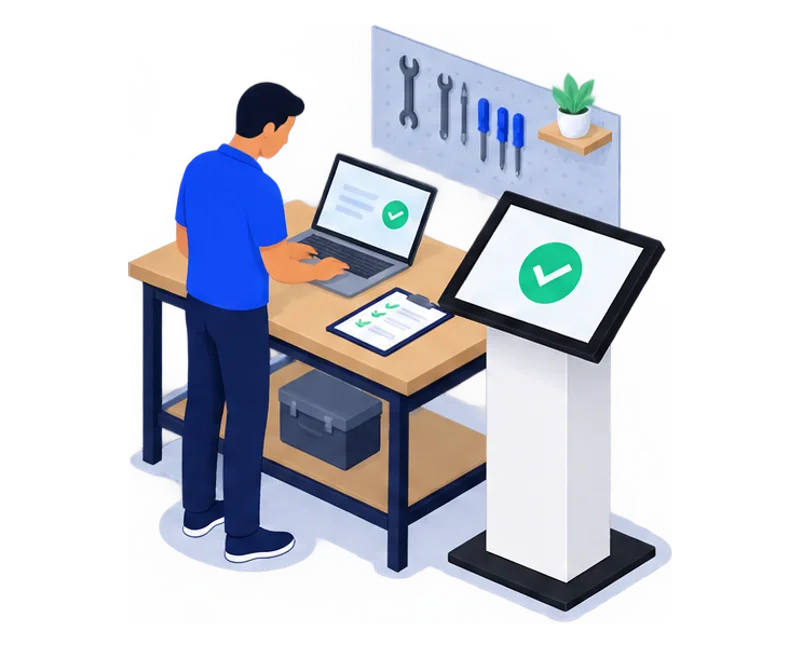
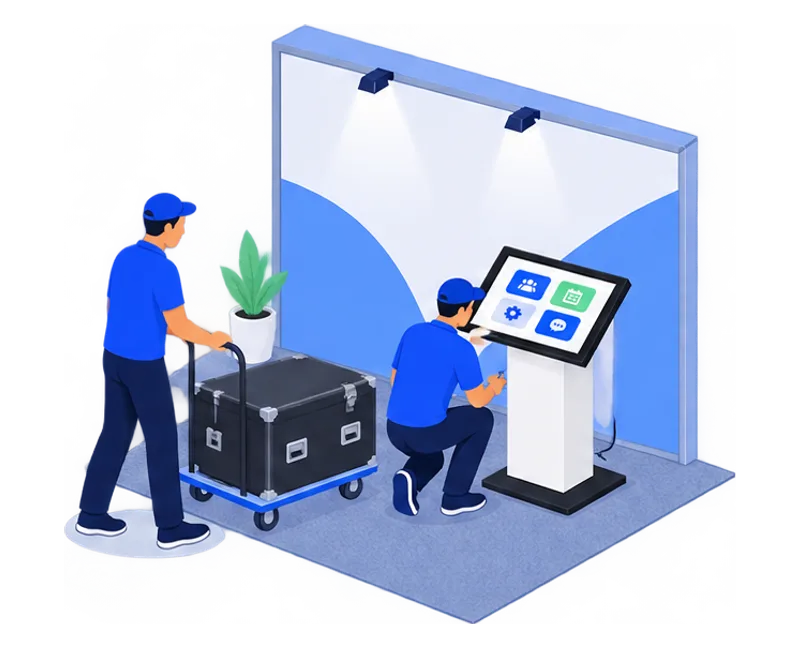
- 04Deliver and install on your stand
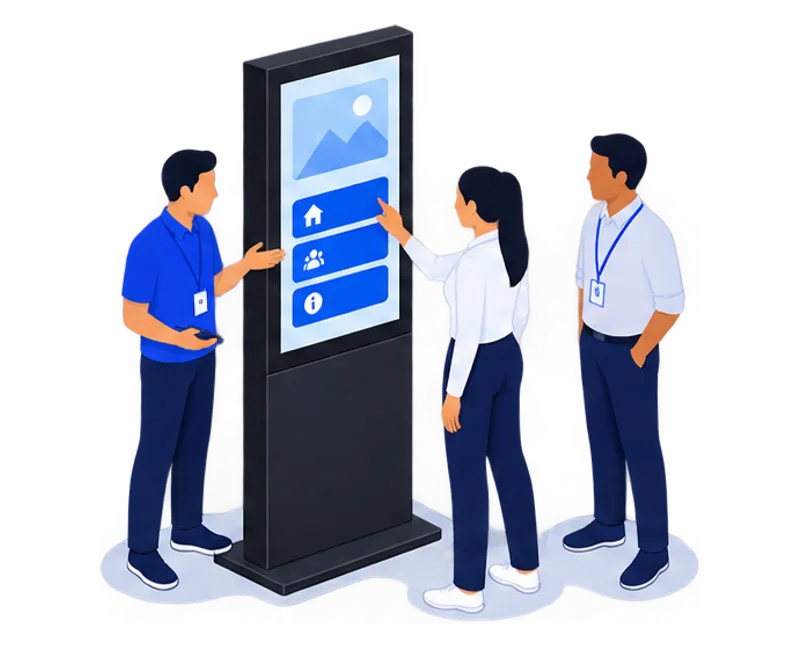
- 05Hand over on site
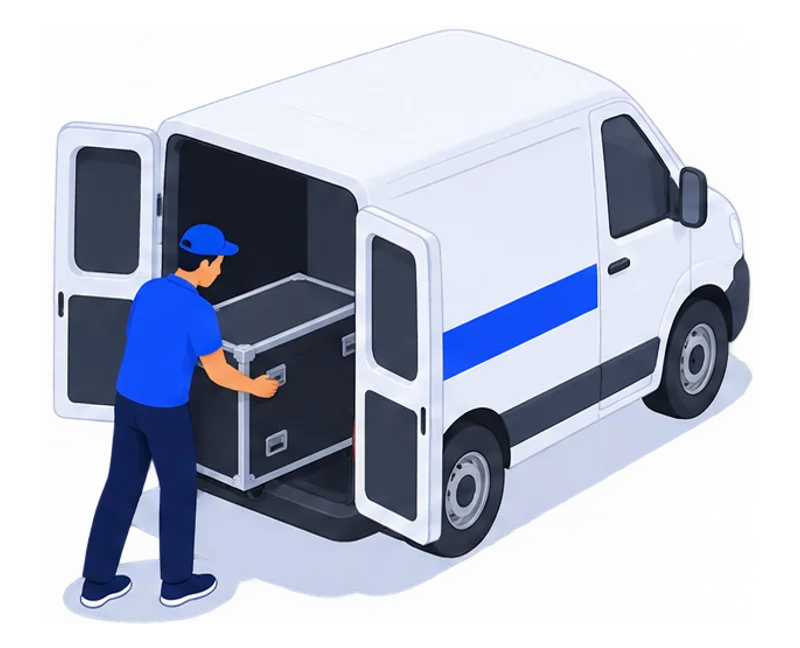
- 06Collect and hand over data
Your practical questions.
Format, preparation and rental: the details to help you decide.
How does a touchscreen totem differ from a signage screen?
On a touchscreen totem, visitors control the content by choosing a section or finding a location. A signage screen displays content without requiring that interaction. Our rental offer covers touchscreen kiosks and totems.
Is the totem suitable for every audience?
We review control height, readability and access according to the model and audience. Tell us your accessibility requirements in the brief so we can select a suitable setup.
Can a totem be used at an event entrance?
Yes, subject to venue conditions: an outdoor or exposed entrance is assessed before installation is confirmed.
What should I prepare for installation?
A visible point near the welcome desk or a busy aisle that keeps entrances, exits and circulation clear. A power socket and the cable route, agreed with your on-site contact. Build-up times and venue access conditions for delivery.
Windows or Android: which computer for a touchscreen kiosk?
TouchTech chooses the computer in each kiosk, totem or touchscreen from the application, before delivery: Windows or Android, with or without a graphics card, up to 64 GB of RAM. As an importer and manufacturer, we configure and test the equipment ourselves. You will not receive an Android kiosk only to find out that the application needs Windows or 32 GB of RAM. Describe your application in your enquiry.
How much does it cost to rent a touchscreen kiosk or totem?
Rates start from 2,000 MAD excl. VAT per day for each kiosk or totem, depending on the model and setup. The daily rate decreases from 3 rental days. Integrating your content into one of our applications is included. In Casablanca, delivery, installation, collection and technical support are also included. Your quote confirms the amount for your dates.
Can I rent for several weeks or months?
Yes. We offer rental for events, campaigns and long-term installations. Equipment, support and pricing are set in the quote for how you will use them.
Buy rather than rentA kiosk. A team. Your project.
A first message is enough. We’ll come back to you with a proposal.